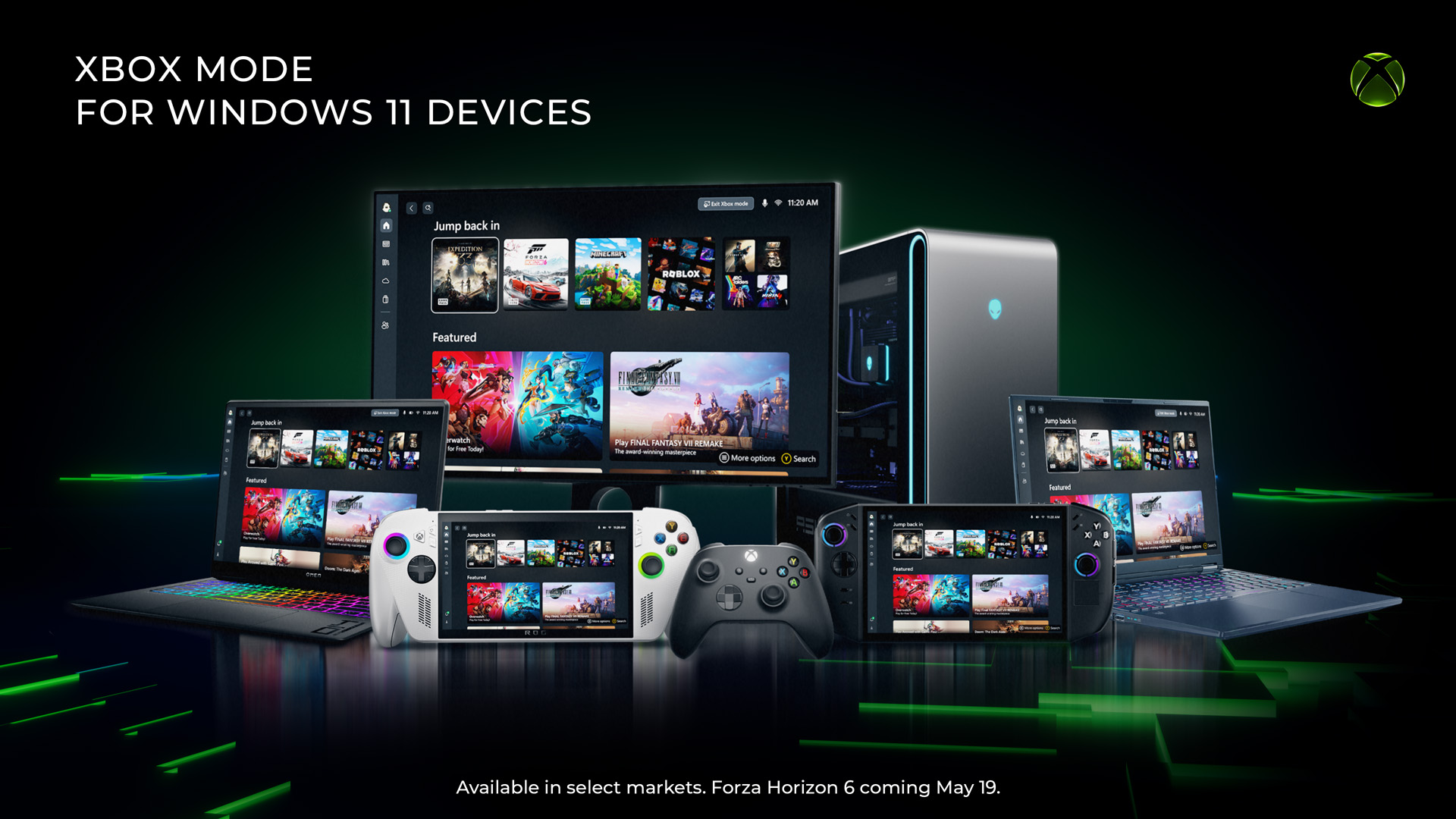
Beginning today, we’re excited to share that Xbox mode will begin rolling out in select markets to Windows 11 PCs, including laptops, desktops, and tablets, bringing a console-inspired Xbox experience to more players than ever.
Whether you’re playing on a high-performance desktop, a gaming laptop, or a Windows handheld, Xbox mode makes it easier to jump into your games. It adds another way to enjoy games on your PC – with a controller-optimized, full screen experience that is built for play.
Some players in select markets will be able to download the Xbox mode experience today, with availability expanding to more players in those markets over the next several weeks.
A More Immersive Way to Play on PC
Xbox mode is designed for the moments when you want your games to take center stage on Windows 11 PCs and handhelds. Inspired by the Xbox console experience, Xbox mode offers a streamlined interface that puts your library and recently played titles within easy reach while minimizing background distractions.
With Xbox mode, you can:
- Browse and launch games using a controller optimized interface.
- Jump back and forth between Xbox mode and the Windows 11 desktop whenever you want.
- Access an aggregated game library, including the full games catalog from Xbox Game Pass, and installed games from leading PC storefronts.
Because Xbox mode is built on Windows, you still get the flexibility and openness of PC gaming, while enjoying a more immersive and streamlined way to play.
Since first introducing Xbox mode, formerly known as “full screen experience”, on Windows handhelds, we’ve been listening closely to player feedback and continuing to evolve the experience across devices. Those learnings directly shaped Xbox mode on Windows 11 PCs.
Xbox mode is another step in our broader work to make Xbox feel consistent across screens while giving you more choice in how and where you play. Windows has long been an important part of the PC gaming ecosystem, supporting innovation through its open platform. Together with Windows, Xbox is taking everything we’ve learned about building a world-class operating system for gaming and continuing to evolve the experiences that meet players where and how they choose to play.
How to Get Xbox mode on Your Windows 11 PC
Xbox mode is rolling out gradually to ensure a great experience for everyone. To get access as soon as it becomes available for your PC, make sure your device is set to receive the latest Windows updates:
- Open Settings on your Windows 11 PC
- Select Windows Update
- Turn on Get the latest updates as soon as they are available
Once the update is available on your device, you will be able to jump into Xbox mode directly from your PC and start playing.
We will continue evolving Xbox mode based on your feedback as we continue enhancing the Xbox experience on Windows. We cannot wait to see how you make Xbox mode part of your gaming setup.