Alvarez/Getty Images
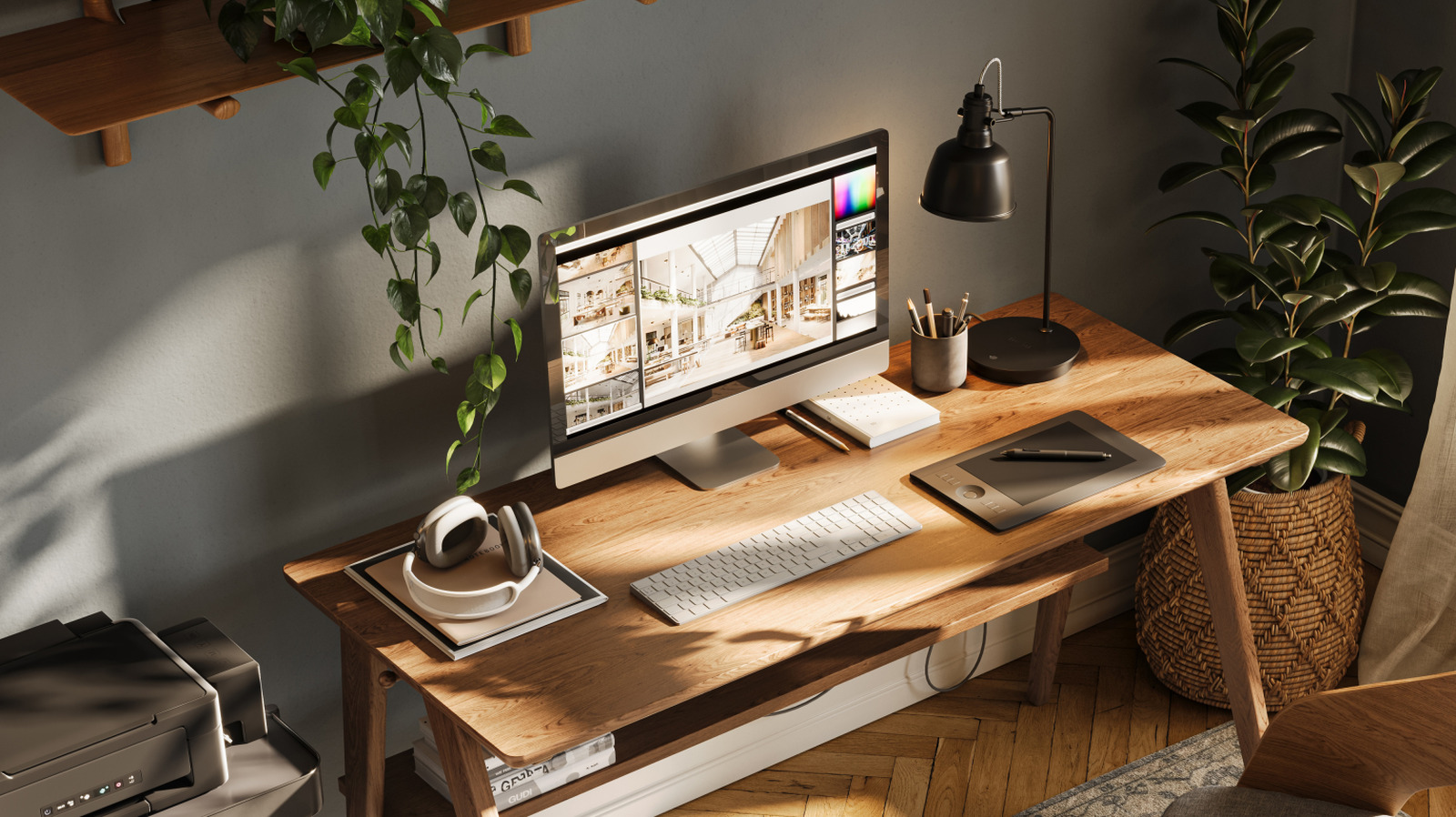
Consumer Reports does more than just review everyday products; its experts also provide useful buying advice that can steer you toward the right tech for your lifestyle. The CR team published a detailed guide on choosing a computer monitor for your work-from-home setup. The verdict is that bigger isn’t always better. Consumer Reports recommends a 24-inch monitor for your home office over a larger 27-inch model.
The typical monitor size in today’s market is between 21 and 27 inches. The main reason you might choose a 27-inch screen for your home office is productivity. Having a massive amount of screen real estate means more windows and more tasks you can manage simultaneously. But if you’ve never used a 27-inch desktop monitor, it’s a lot bigger than you might think — perhaps excessively so.
There are certain rules of thumb you should follow to prevent back and neck pain at your desk. It’s best to position your monitor with the top of the screen slightly below eye level. You also want to keep your keyboard and mouse within reach without twisting your torso. The height of a 27-inch monitor and the size of its base can force you to disregard those guidelines. To that end, Consumer Reports makes a great point: 24 inches is enough to feel like a significant upgrade over a laptop or a 21-inch screen. And it’s much more reasonable for a typical desk setup.
The practical difference between 24-inch and 27-inch screens

Zamrznutitonovi/Getty Images
The expert testers at RTINGS provide another in-depth analysis of the difference between 24-inch and 27-inch monitors. There’s more separating these two options than just a three-inch diagonal discrepancy. A 24-inch monitor measures 21 by 11.8 inches and has a pixel density of 93 pixels per inch (PPI) at 1080p resolution. The 27-inch equivalent measures 23.5 by 13.2 inches and has a pixel density of 82 PPI.
So what do those measurements actually mean? Commenters on the r/buildapc subreddit explained that the most important consideration is how far you’re sitting from your monitor. The ideal viewing distance for a 24-inch monitor is 20-30 inches away. The lower pixel density of a 27-inch monitor means the image will be fuzzier close up, so you want to be 28-40 inches away.
Of course, budget might also be a factor if you’re deciding which monitor to buy. 27-inch monitors regularly cost at least $20 more than their 24-inch counterparts. Smaller panels are more economical if you’re looking for the best second monitor for a dual-screen setup. On the other hand, your money can go farther if you buy an ultrawide panel instead of two monitors. It’s not just about price, though. Even if money is no object, Consumer Reports still advises choosing a 24-inch monitor for work.