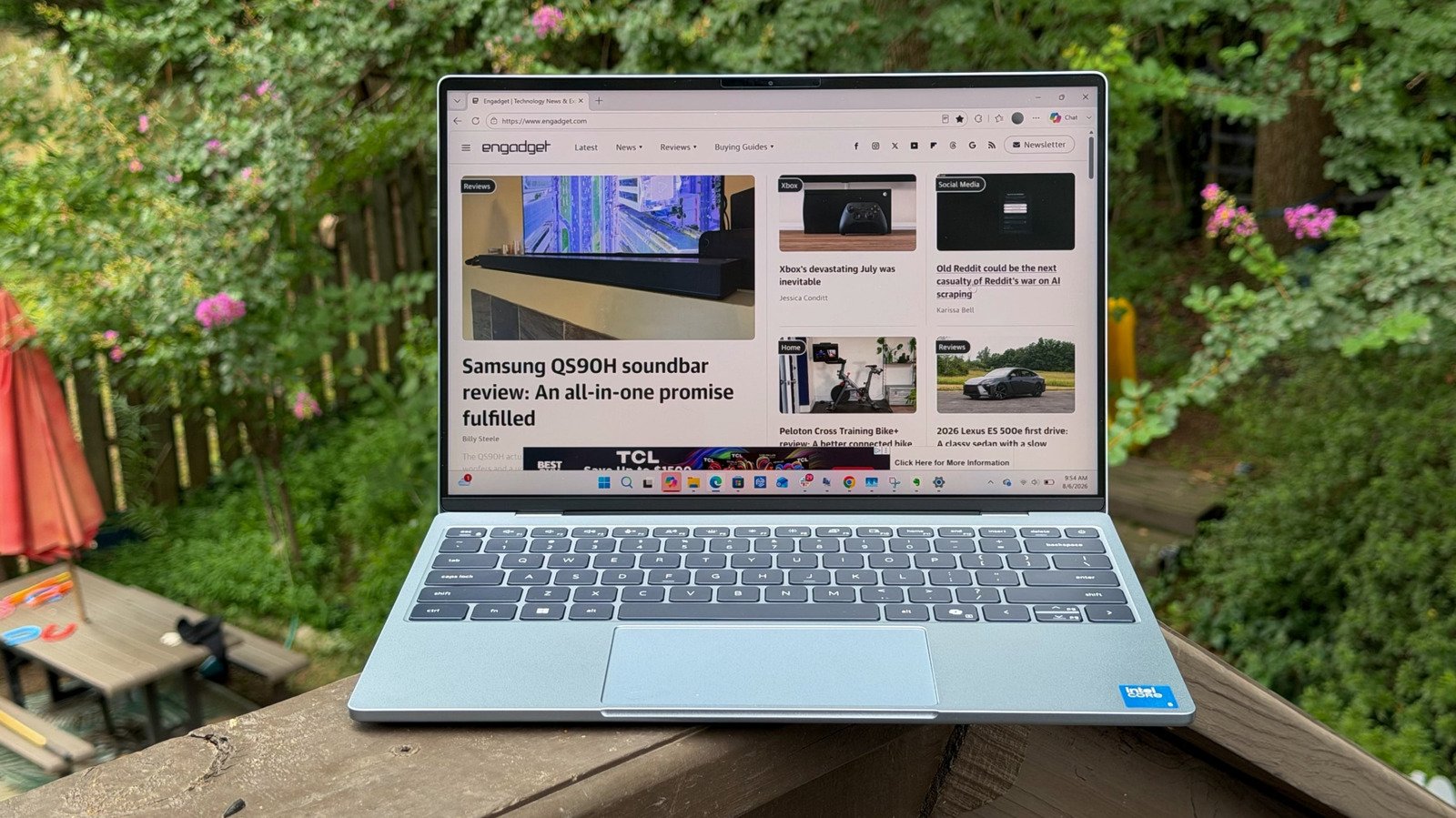
There’s a lot to like here, but most people should shell out for 16GB of RAM.
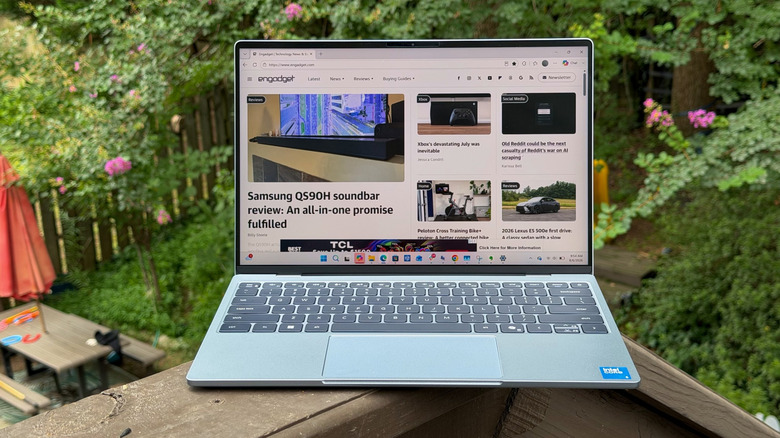
Devindra Hardawar for Engadget
RATING : 7.5 / 10
- Thin and light design
- Excellent battery life
- Solid screen
- Decent battery life
- 8GB of RAM just can’t cut it
- Mediocre mechanical trackpad
- Needs more ports
- Intel chips are slower than last gen
After reviewing the MacBook Neo, I’ve been eager to see which PC maker could match Apple’s difficult balance of low cost and high quality hardware. Could anyone actually deliver a Windows laptop that works well with just 8GB of RAM? Dell’s latest XPS 13 comes close. The company touts it as the thinnest and lightest XPS yet, weighing in at 2.2 pounds and 12.7 millimeters thick. And with a starting price of $700, it competes directly with the MacBook Neo’s new pricing (unfortunately, that $600 launch price was short-lived).
To reach that price point, though, Dell inevitably had to make some compromises. The new XPS 13 still features an all metal case, but its more basic design resembles the company’s mainstream Inspiron line instead of the premium XPS family. Its Intel Core hardware is more efficient than before, but significantly slower than the last generation of XPS 13. And the more I use it, the more frustrated I am with its mechanical trackpad, which feels like a major step back from Dell’s recent haptic trackpads.
And perhaps the biggest issue? I still don’t think 8GB of RAM is enough to comfortably use Windows 11, especially if you plan to keep the XPS 13 for more than a few years. All that being said, if you’re hyper-focused on getting a new $700 Windows PC that can vaguely compare to the MacBook Neo, then the XPS 13 is currently your best option.
What’s notable about the XPS 13?
Devindra Hardawar for Engadget
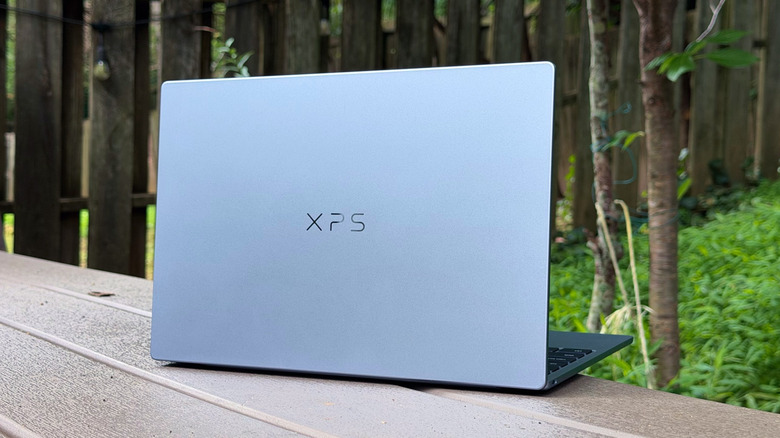
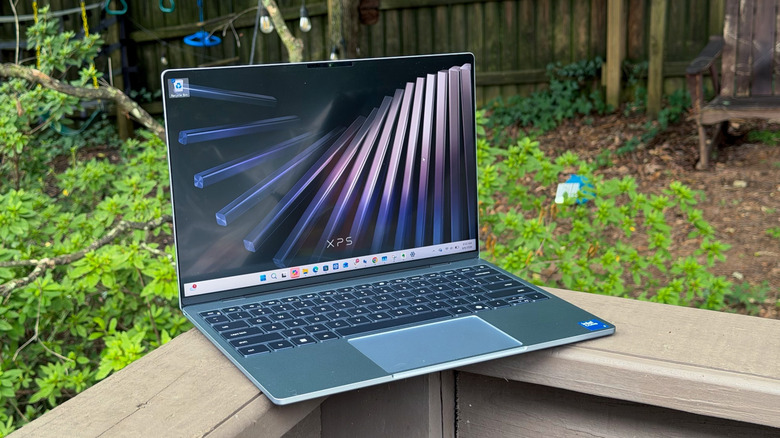
Dell got the basics right with this XPS 13. Its aluminum case feels smooth and sturdy, with none of the case flex we typically see on $700 laptops. It doesn’t feel as high-end as the XPS 14 and 16’s aluminum finishes, but it’s similar to the MacBook Neo. The XPS 13 is also a half-pound lighter than the 2.7-pound Neo, and it has a faster 120Hz display, both decent feathers in Dell’s cap.
Stylistically, the XPS 13 is a step back from the last generation, which sported the same invisible trackpad and edge-to-edge keyboard as the current XPS 14 and 16. But the last few XPS 13 models also started at $1,300 and $1,400, so it’s hard to expect the same level of quality on a $700 laptop. The real downside of this redesign, though, is that it looks more basic than the XPS 13 I reviewed in 2019.
I suppose the realignment of the XPS 13 makes sense, though. If you want a premium and still very portable Dell laptop, the XPS 14 remains a viable option (especially now that Dell has fixed the annoying keyboard issue from my review unit). Now at least there’s more differentiating Dell’s smaller premium systems, and the company finally has something to offer customers looking for a sub-$1,000 “premium” system.
To reach that price point, Dell also had to bring back something I praised them for dropping years ago: A base model with 8GB of RAM. It’s a step back, no doubt about it. But in the era of ever-increasing memory prices and the MacBook Neo’s proven usefulness with the same amount of RAM, I can’t blame Dell for going down this path. But is 8GB of RAM really enough for a modern Windows 11 system? Sort of.
In-use: 8GB of RAM is still a pain in Windows
Devindra Hardawar for Engadget
Tolerable. That’s the word I’d use to describe living with the XPS 13 and its meager 8GB of RAM. The minute I booted into Windows, it already had 80 percent of its memory committed to invisible processes, like “Anti-malware service executable” and “Secure biometrics.” Once I started launching web browsers and filling them with tabs, memory usage climbed to 95 percent and never let down.
Sure, I could still browse the web, respond to Slack messages and write this review in Evernote, but it was hard not to notice the minor hiccups when scrolling through windows or doing just about anything. Sometimes, these hiccups turned into complete brain farts, like when it took 30 seconds for Evernote to stop showing me a blank screen and display my recent notes. All too often, using the XPS 13 felt like the computing equivalent of walking through mud. It’s technically possible, but it’s an absolute mess.
I was also surprised to see how much slower Intel’s Core 5 320 chip was compared to the XPS models from 2024, which offered either an Intel Core Ultra 7 155H or Snapdragon X Elite. Both of those systems blew away the new XPS 13 in Geekbench 6’s multi-threaded CPU test and GPU benchmark. The Snapdragon XPS 13 was almost twice as fast in graphics, while the 2024 Intel model was three times faster. You’d easily be better off trying to find one of those systems used, instead of buying the new XPS 13.
Perhaps that comparison is a bit unfair, though, as this XPS 13 is basically a completely different animal than its predecessors. It’s probably better to think of it as the “XPS Neo,” something that looks like its more expensive siblings, but is just riddled with compromises to reach its low price.
Funny enough, the XPS 13 is less compromised than the MacBook Neo in some ways (even though Apple’s machine also trounces it in Geekbench 6). It features 512GB of storage to start, while Apple only offers 256GB. You also don’t get the option of equipping the Neo with 16GB of RAM at all. If you want more memory, you have to jump to the $1,299 MacBook Air.
It’s also notable that Dell shoved in a faster 120Hz 1440p screen in the XPS 13, whereas the MacBook Neo sports a more standard 60Hz display. Beyond the faster refresh rate, which makes scrolling through web pages and documents look nicer, the XPS 13’s screen is bright enough to use in direct sunlight, much like the Neo’s. It’s perfectly fine for browsing the web or watching some videos, but there’s nothing truly notable about it. There’s no hint of the excellent contrast you get from OLED screens, or the crazy high brightness of MiniLED.
 Devindra Hardawar for Engadget
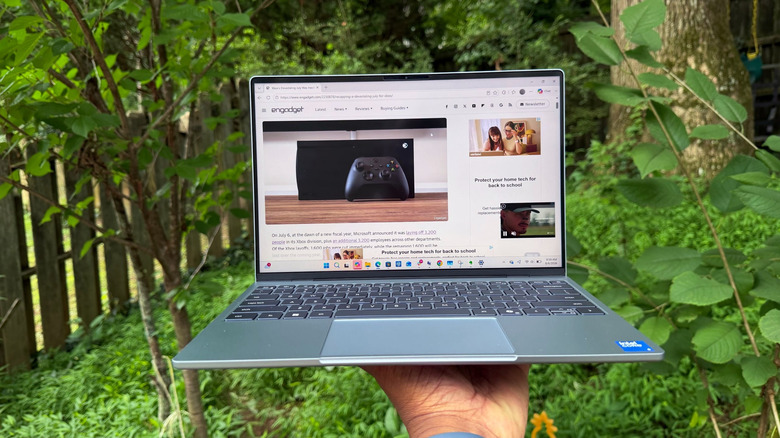
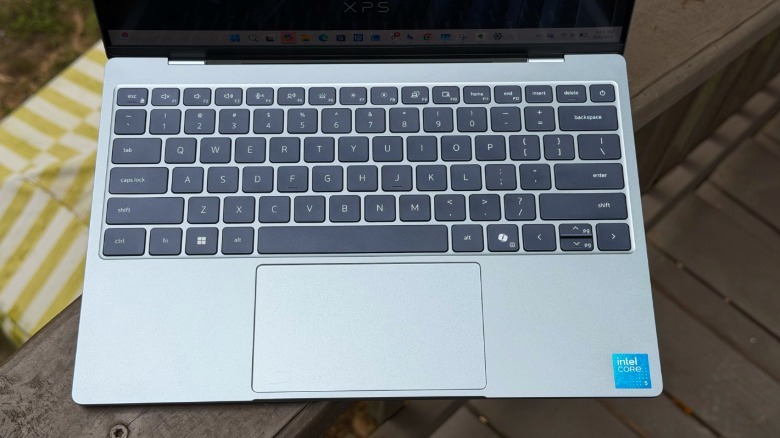
While the XPS 13 returns to old-school chiclet keys — something the XPS lineup haven’t had for years — they’re comfortable enough for heavy typing. There’s not much key travel, but I was still able to type quickly without many errors. I wish I had kinder words to say about the XPS 13’s trackpad, though. Using it felt like being transported a decade into the past, when mechanical keyboards plagued PCs everywhere. It’s decently accurate for swiping, but its top third doesn’t actually register clicks. That’ll require a ton of adjustment if you’ve been spoiled by haptic touchpads from Apple or the Surface lineup, which allow you to click anywhere.
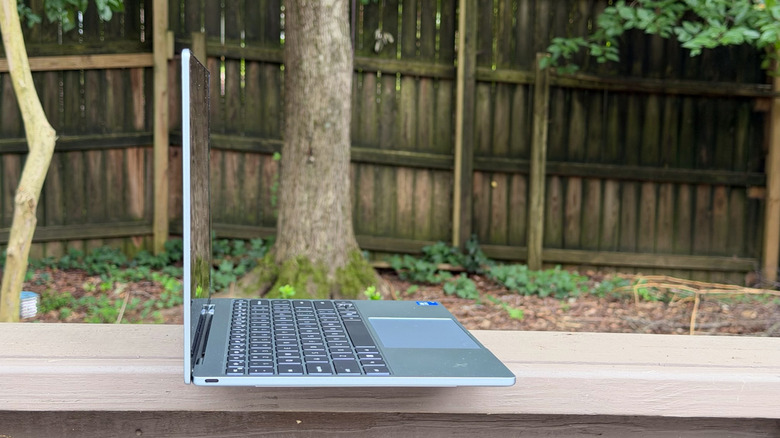
The XPS 13’s quad-speaker array is technically another advantage over the MacBook Neo, but in my testing it doesn’t sound much better. It’s clear, but tinny, with no sense of depth that you find on the XPS 14’s speakers. Both systems also share the same amount of USB-C ports, but Dell makes things a bit more convenient by placing one port on each side of the system. That could be a lifesaver if you’ve got a short charging cable. (Apple deserves kudos for sticking with the 3.5mm headphone jack, though. Dell gave up on it years ago.)
When it comes to battery life, the XPS 13 lasted 15 hours and 56 minutes in PCMark 10’s Modern Office battery benchmark. That’s five and a half hours longer than the XPS 14, and it bested the previous Intel XPS 13 by almost three hours. The Snapdragon Copilot+ XPS 13 went for nearly 18 hours, but that’s also a far more efficient chip.
Should you buy the XPS 13?
Devindra Hardawar for Engadget
I know I’ve been spoiled by living with systems with 32GB and even 64GB of RAM, but I’d have a hard time recommending anyone spend $700 on a PC just to have an experience like this. That’s especially true when you can’t even upgrade the RAM down the line, as you could with older laptops. Everyone but the most basic users would be better off shelling out the additional $200 to get the XPS 13 with 16GB of RAM. It’ll be far more functional, and it’s still under $1,000.
Wrap-up
Devindra Hardawar for Engadget
Dell deserves credit for responding to the MacBook Neo quickly, but the limitations of the XPS 13 are also a reminder of why Apple was able to leapfrog PC makers. But hey, this is how competition works. With the Neo as the new budget baseline, it’ll be interesting to see how Dell keeps evolving the XPS 13 into the ideal budget-yet-premium notebook. In its current iteration, I wouldn’t recommend committing yourself to years of pain with an 8GB XPS 13, but if you can shell out for the 16GB model, it’ll likely serve you well.