Joe Maring / Android Authority
I, for one, love finding free Android apps. Not because I’m thrifty (okay, maybe a little), but because there’s something oddly satisfying about an app that doesn’t constantly nag you with in-app purchases or upgrade prompts. And that’s especially true in 2026.
I’ve built a collection of such apps over the years. They’re all free, don’t show any ads, and are arguably better than apps most people pay for.
What matters most in a free app?
161 votes
Blip
Pankil Shah / Android Authority
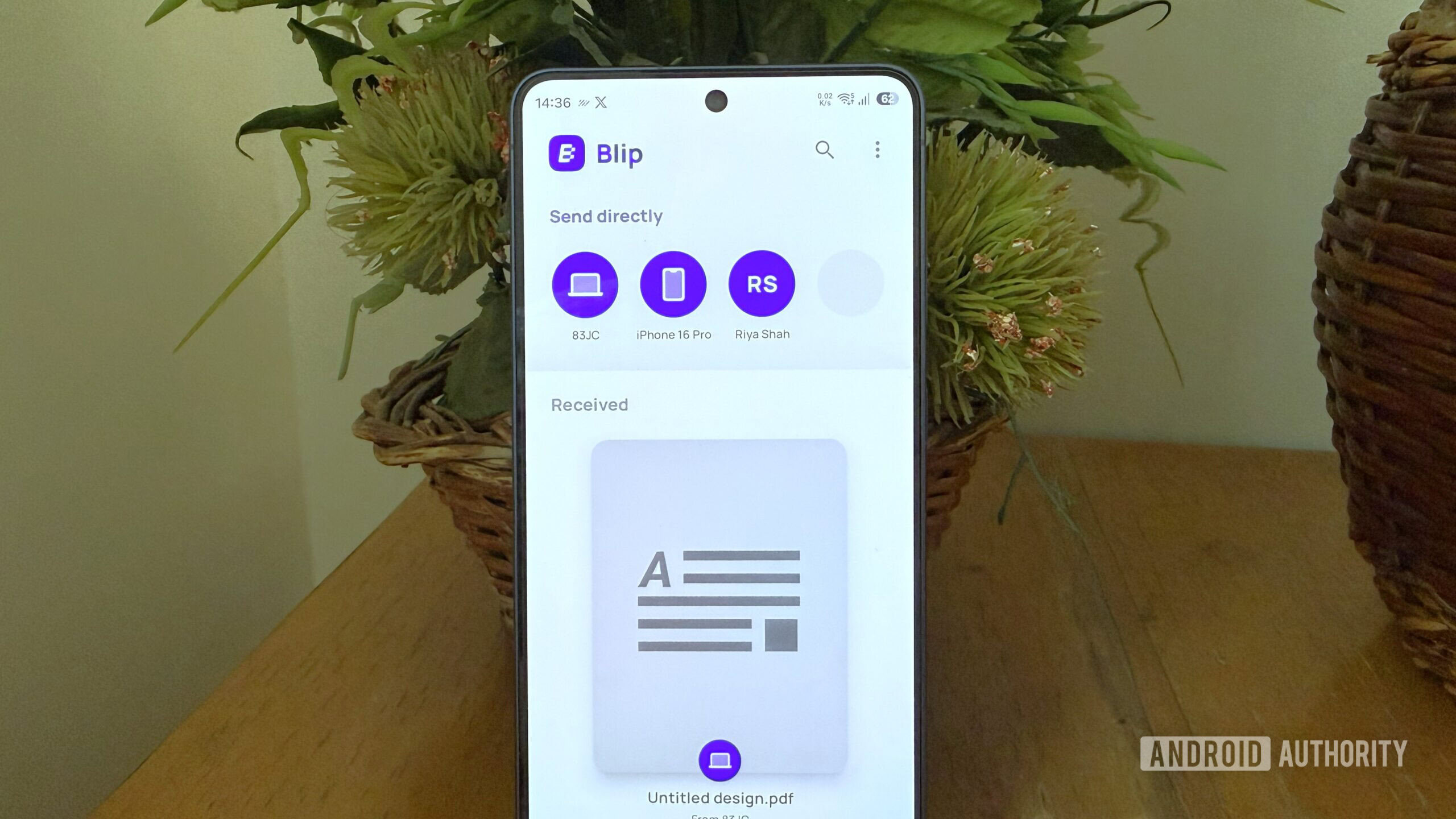
Android’s Quick Share is already pretty good. It works with Windows, and on my Galaxy S26, I can even use it to send files to Apple devices. Still, I find myself using Blip far more often because it’s simply faster and more convenient.
Blip is free for personal use and available on Android, iOS, Windows, Mac, and Linux. You simply need to install the app on both devices to get going. It lets you send photos, videos, documents, ZIP files, and even entire folders without messing up the folder structure. The biggest reason to use Blip, though, is speed. My coworker Zac recently used Blip to share 12GB of Sims 4 mods, and the transfer peaked at around 1.5 Gbps. I’d honestly love to see Quick Share match that someday.
Another thing I like about Blip is the convenience. When you’re moving files between your own devices, there’s no need to open the app on the receiving device — you just pick the device you want to send to, and it handles the rest. Blip even works when the devices are not on the same network. In that case, it falls back to mobile data or any available connection to send the file over the internet. It’s obviously slower than a local transfer, but it’s still nice to have this option, especially when you’re away from Wi-Fi and need to send something to a device that’s miles away.
Image Toolbox
Pankil Shah / Android Authority
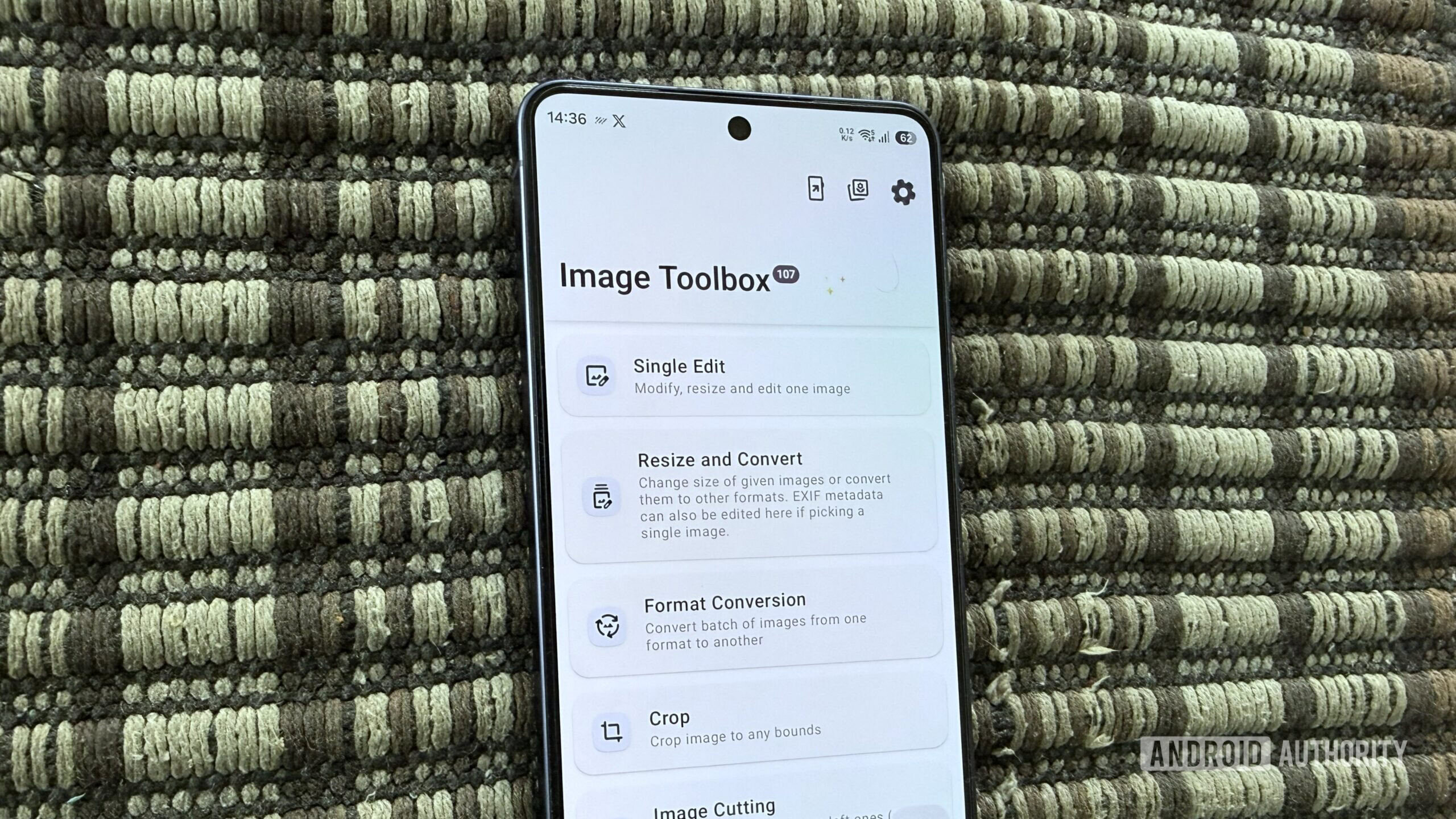
Image Toolbox is an open-source photo editor that’s unlike anything else you’ll find on Android. It doesn’t try to compete with the built-in image editor on your phone or with apps like Snapseed or Picsart. It focuses purely on making those image-related tasks less painful. It does the standard stuff — cropping, resizing, and filters — but also background removal, EXIF editing, format conversion, and AI-powered upscaling. It even lets you stitch photos, add watermarks, create GIFs, and do a whole lot more.
What makes Image Toolbox special, though, is batch processing. It lets you edit hundreds of images at once — something you’d normally need a PC for. You can use it to apply the same edits or convert dozens of images at once. Heck, there are even tools like a color picker, a document scanner, OCR, and ZIP creation.
Most importantly, for something that offers so much, Image Toolbox doesn’t feel intimidating. The interface is Material You through and through, and highly customizable — themes, layout, text, behaviors, you name it.
Bluetooth Remote
Pankil Shah / Android Authority
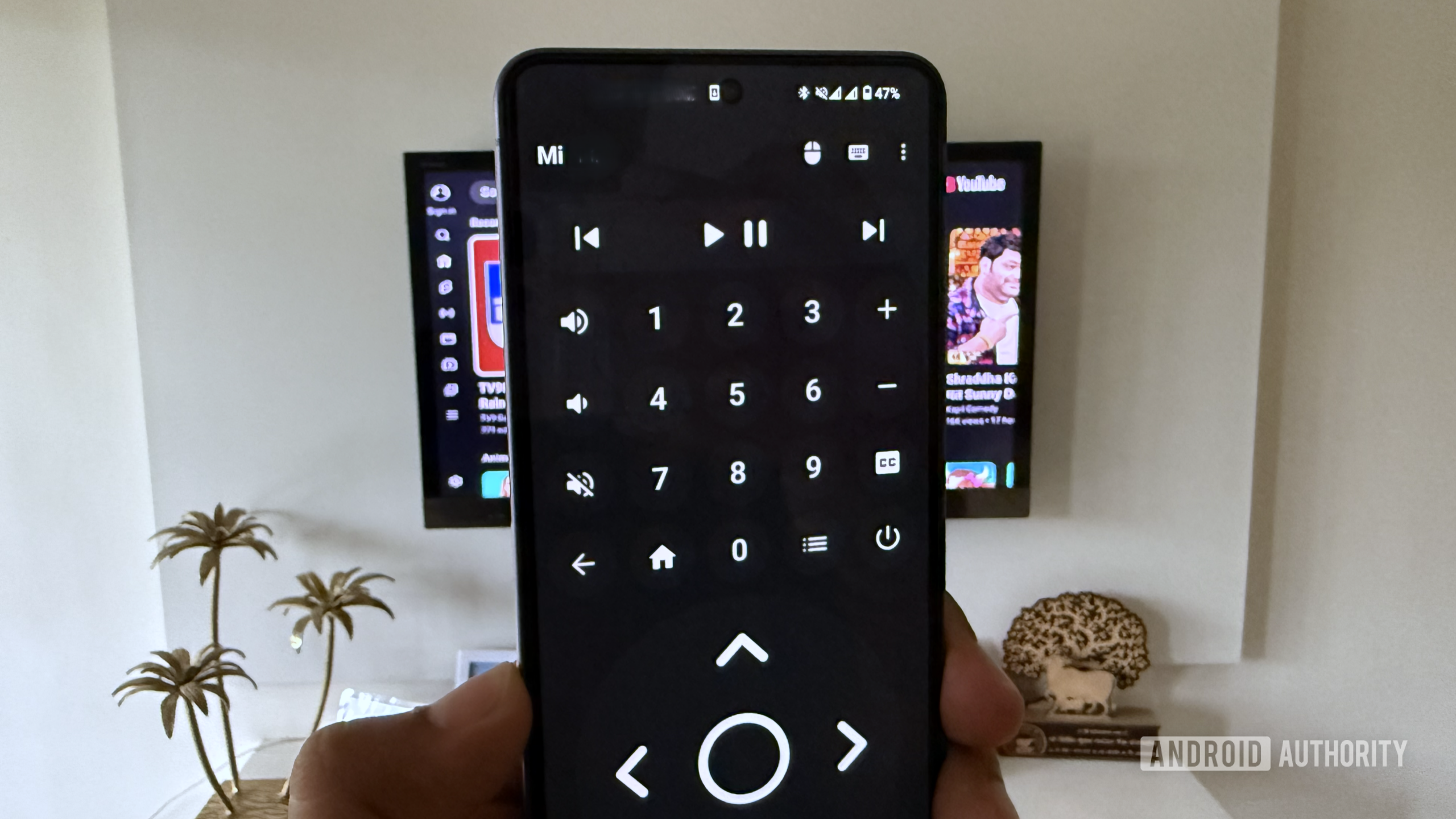
Bluetooth Remote does exactly what the name suggests. It connects to any Android TV over Bluetooth and turns your phone into a full-featured remote with a numpad, arrow keys, and media controls. Once you install the app, all you have to do is tap the Bluetooth icon and pick your TV from the list.
My favorite thing about using the Bluetooth Remote app is the mouse icon. Tap it, and it turns your phone into a virtual trackpad. You’ll even see a mouse pointer on your TV screen that lets you click through menus. Right next to it is the keyboard icon, which lets you use the default keyboard app on your phone to search for things and type passwords.
Yes, the official Google TV app lets you do most of this, but it does require your Android phone to connect to the same Wi-Fi network as your TV. That may be fine most of the time, but if you’re using a VPN or just want to use mobile data, it can be a problem. This app eliminates that.
FUTO Keyboard
Pankil Shah / Android Authority
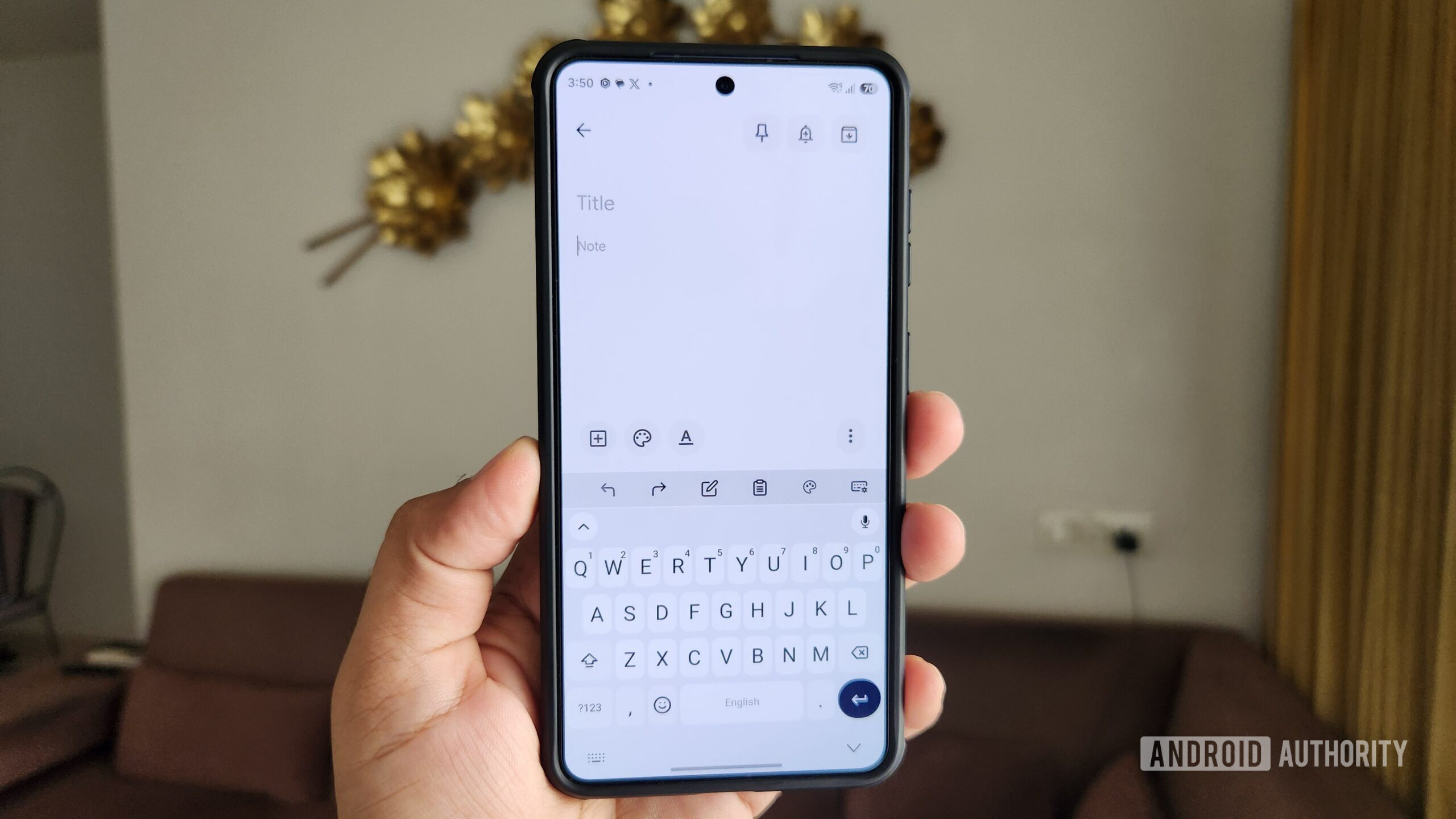
FUTO Keyboard is a privacy-focused keyboard app that works completely offline. That means — unlike Gboard, Microsoft SwiftKey, or Samsung Keyboard — it doesn’t collect any data, not even for diagnostics.
Privacy isn’t the only thing it offers, though. FUTO Keyboard covers all the basics, like autocorrect, swipe typing, themes, gestures, and clipboard history. Its standout feature is the offline voice typing, which uses OpenAI’s Whisper-based model. It runs locally on your phone, so your voice data is never sent to the servers. The voice-to-text accuracy is quite impressive, and you can even download larger models for better recognition. Its predictive text and autocorrect features also run using on-device machine learning models.
I’ll be honest, FUTO Keyboard isn’t as polished as Gboard or some of the other big-name alternatives. In fact, the developer even describes it as a work in progress on the Play Store page. Still, if you want a free keyboard app that respects privacy and doesn’t connect to the internet at all, FUTO Keyboard is hard to beat.
Bitwarden
Andy Walker / Android Authority
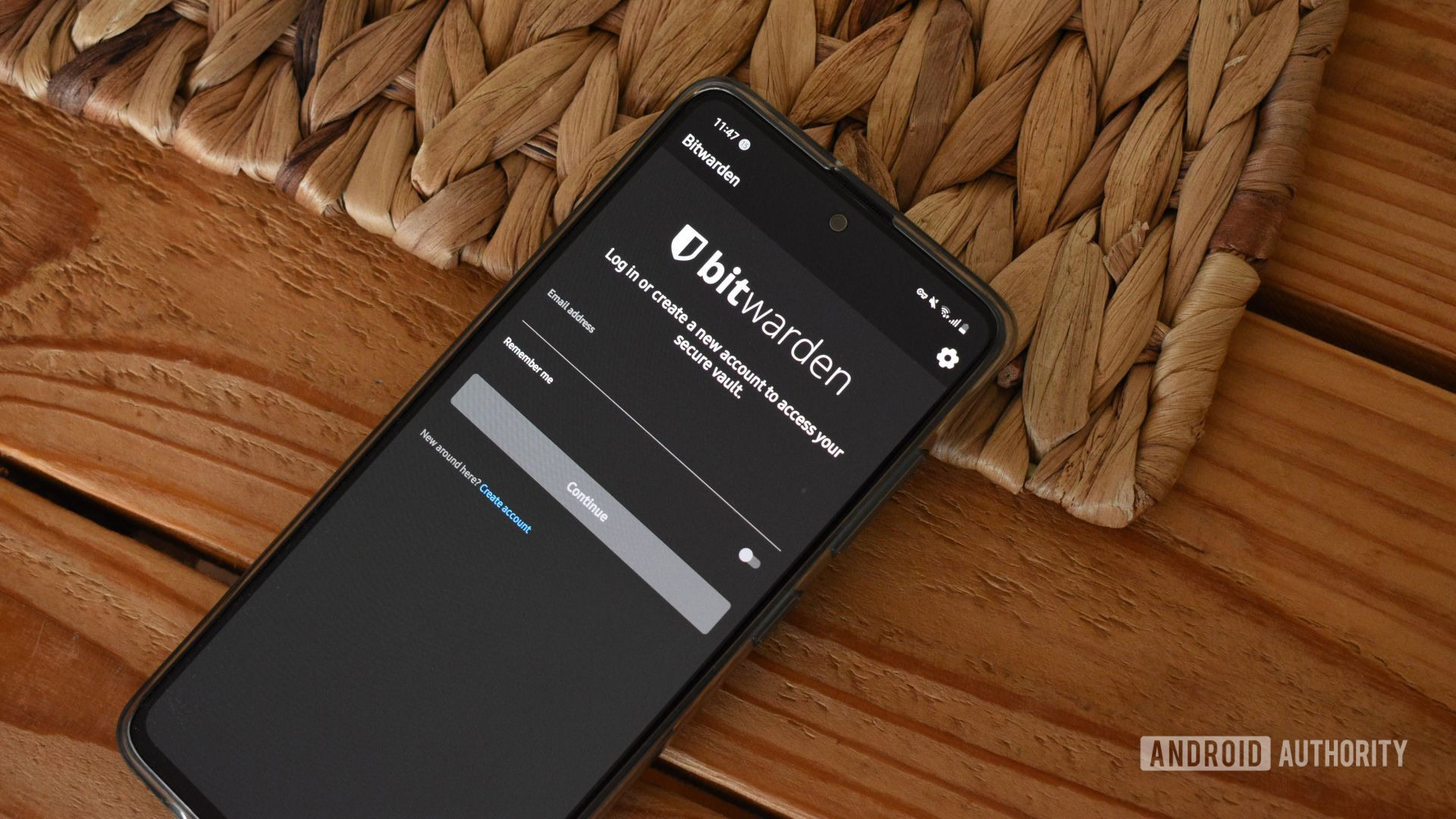
If you’re still reusing passwords — or worse, keeping them in your notes app in 2026 — it’s probably time to change that. And no, you don’t need to pay for a password manager to do it. Bitwarden is an open-source password manager that works across pretty much every platform you can think of. I know, Bitwarden isn’t completely free, but its free tier is enough for most folks because it lets you store unlimited passwords and passkeys. It even offers a password generator, autofill, secured notes, and a personal vault — all without spending a dime.
The main reason I prefer Bitwarden over something like Google Password Manager is the ease of use across devices. You get native apps on Android, iOS, Windows, Mac, and Linux, plus browser extensions for Chrome, Safari, Firefox, Edge, Brave, Opera, and Vivaldi. That means your passwords go where you go, and you’re not forced to use Chrome on every device.
Bitwarden’s paid plan is also reasonably priced at $1.65 a month. It offers extras like phishing protection, built-in authenticator, and 5GB of secured storage for your important documents and backup codes. However, for most folks, you can ignore this and use the excellent free version just fine.
And with that, that wraps up my list of Android apps that are too good to be free. I know there are plenty more out there, so if you’ve got a personal favorite, drop it in the comments below.
Thank you for being part of our community. Read our Comment Policy before posting.