The new Sims 4 June Patch has dropped today, and while the features included are a bit lighter than what we saw with the Sims 4 May Patch with base layers and new items, this is mostly focused on more laundry list fixes and bugs being addressed in the game itself. Updates to Create-A-Sim assets, fixes to the struggling gallery, and trying to correct some “soft locks” and freezes that happen on PC and Console.
While we won’t be able to address every single one of the 80+ fixes promised in the Sims 4 June Patch or “Quality of Life” patch, I did not experience new bugs, and I also did not seem to run into the same bugs that were listed except in very specific instances.
For the full list of fixes and changes, make sure to check the patch notes here!
Overview of New Features and Fixes: The Sims 4 June Patch Test
Marketplace “Flexibility” and Currency Changes
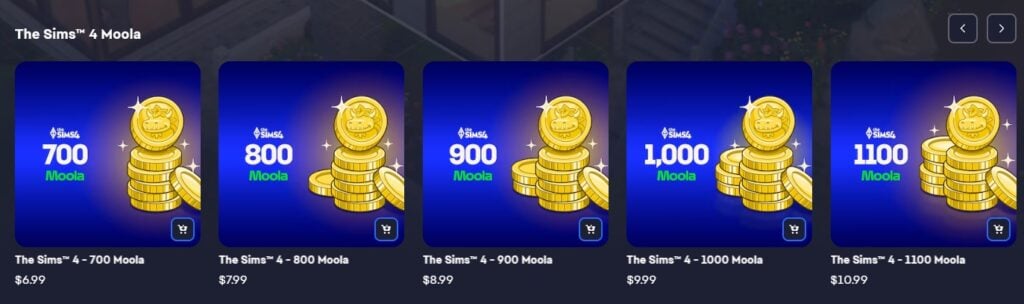


Likely in response to the overall disengagement with the marketplace due to the general view of virtual currency and microtransactions, the Sims Team & EA have introduced a “simplified purchase flow”. This means that when moving to purchase an item in the Sims 4 Marketplace, it will automatically purchase and redeem the nearest amount of Moola.
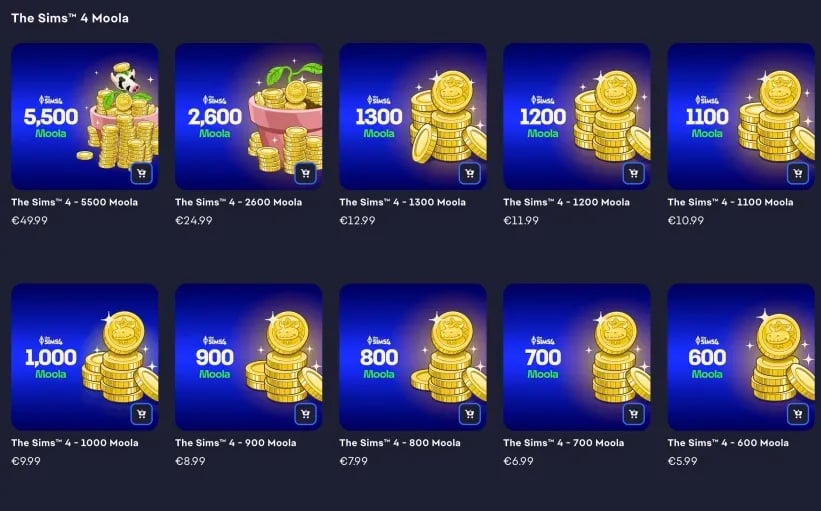

They also added more purchase options to supply your account with Moola. The new amounts introduced are 300, 400, 600, 700, 800, 900, 1100, 1200, and 1300. This means that most, if not all, current paid maker packs on the marketplace will have a direct price equivalent in Moola that can use the “Simplified Purchase Flow”.
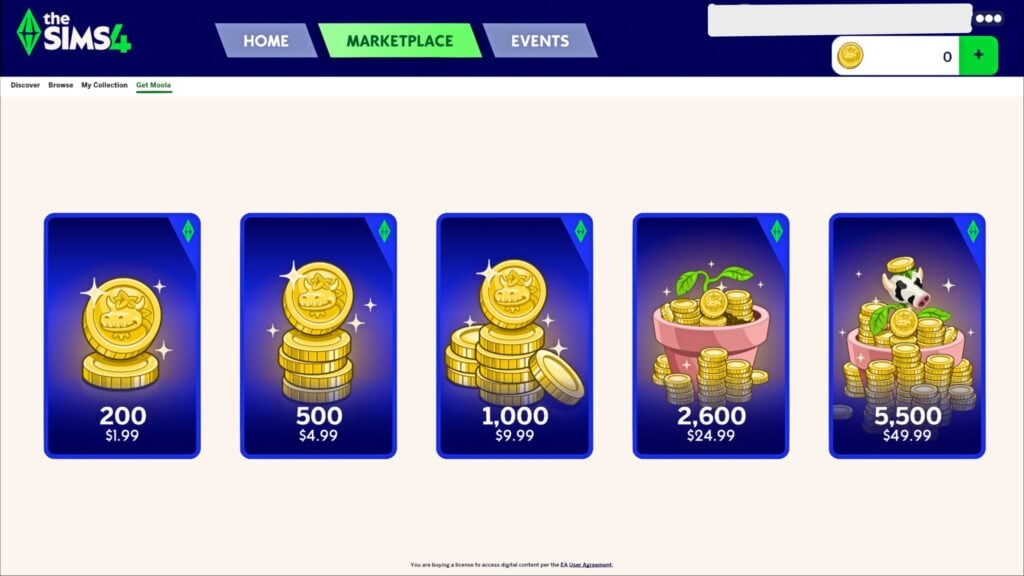
However, I did note that these new amounts seem to only apply when directly purchasing maker packs as well as when in the EA app itself; They do not appear when you click to “Get Moola” while in the Marketplace, and only the original five options appear.
We’re improving price transparency for Maker Packs and Kits in the Marketplace with a simplified purchase flow.
When you click the new “Buy” button in the Marketplace, the nearest amount of Moola will be automatically redeemed for the chosen Kit or Maker Pack. For example, now when you purchase a Maker Pack priced at 300 Moola, you’ll be able to spend “$2.99” (or MSRP) directly at check out.
To make this a better experience, “Buy” also provides 9 new Moola offers: 300, 400, 600, 700, 800, 900, 1100, 1200, and 1300.
This is only available for Simmers on PC and Xbox, PlayStation Simmers will get this option in a future update.
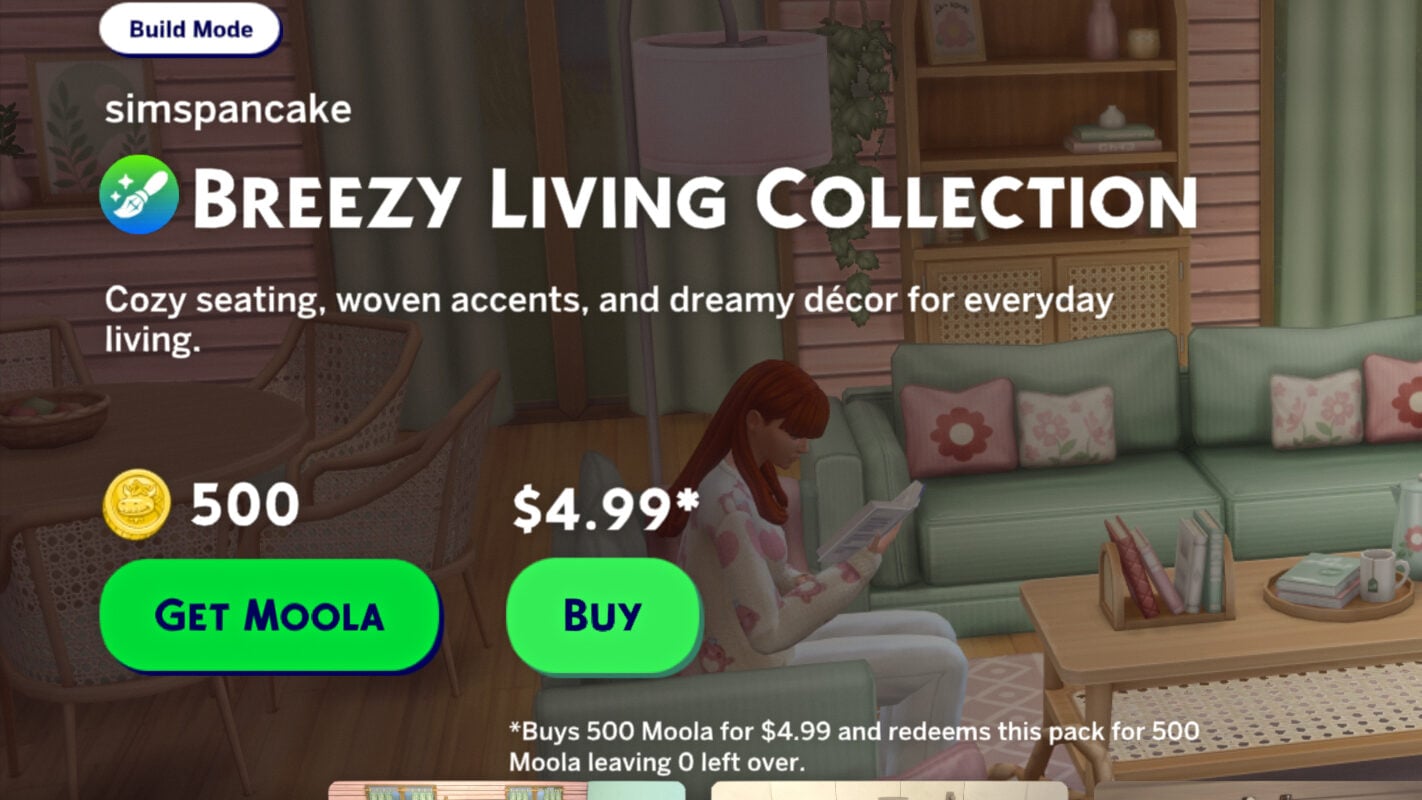
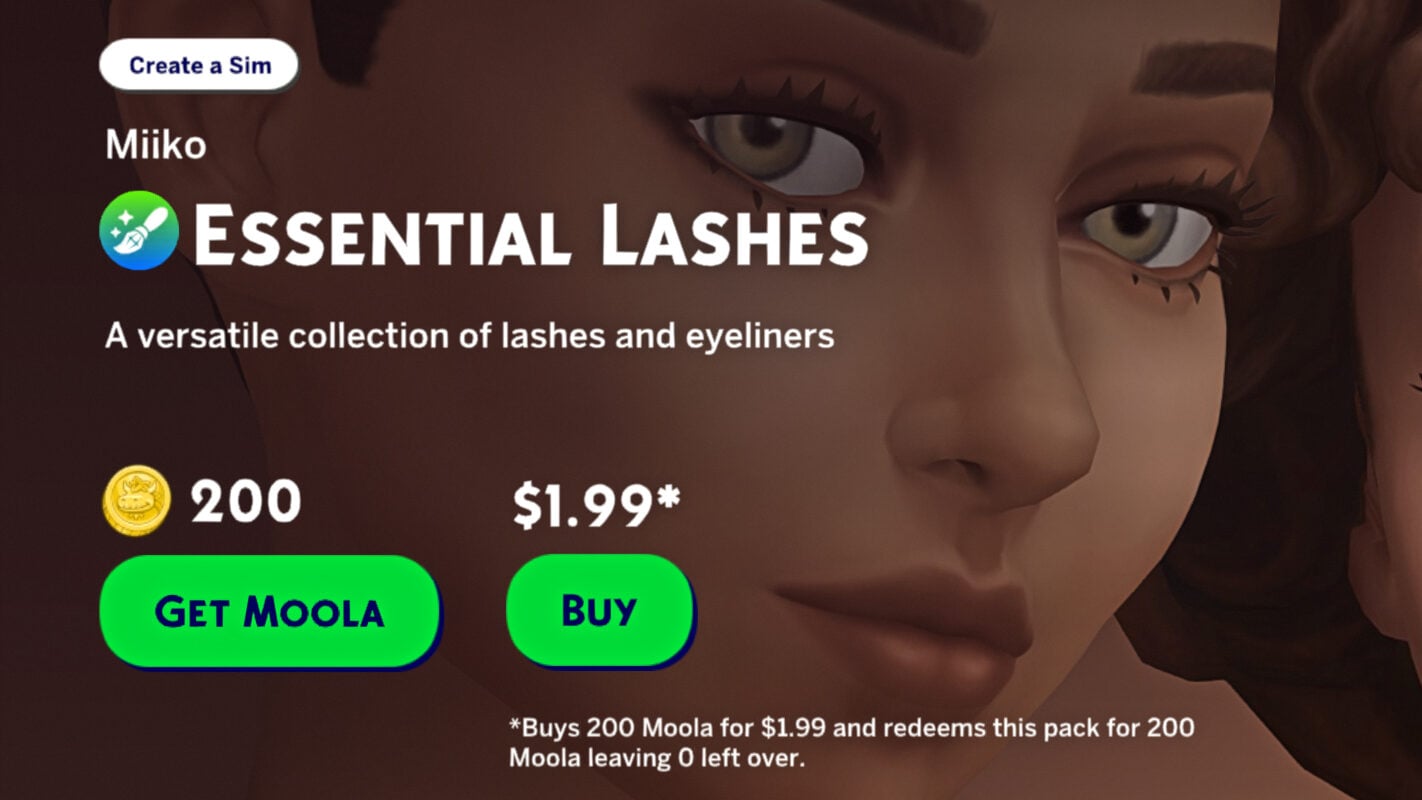

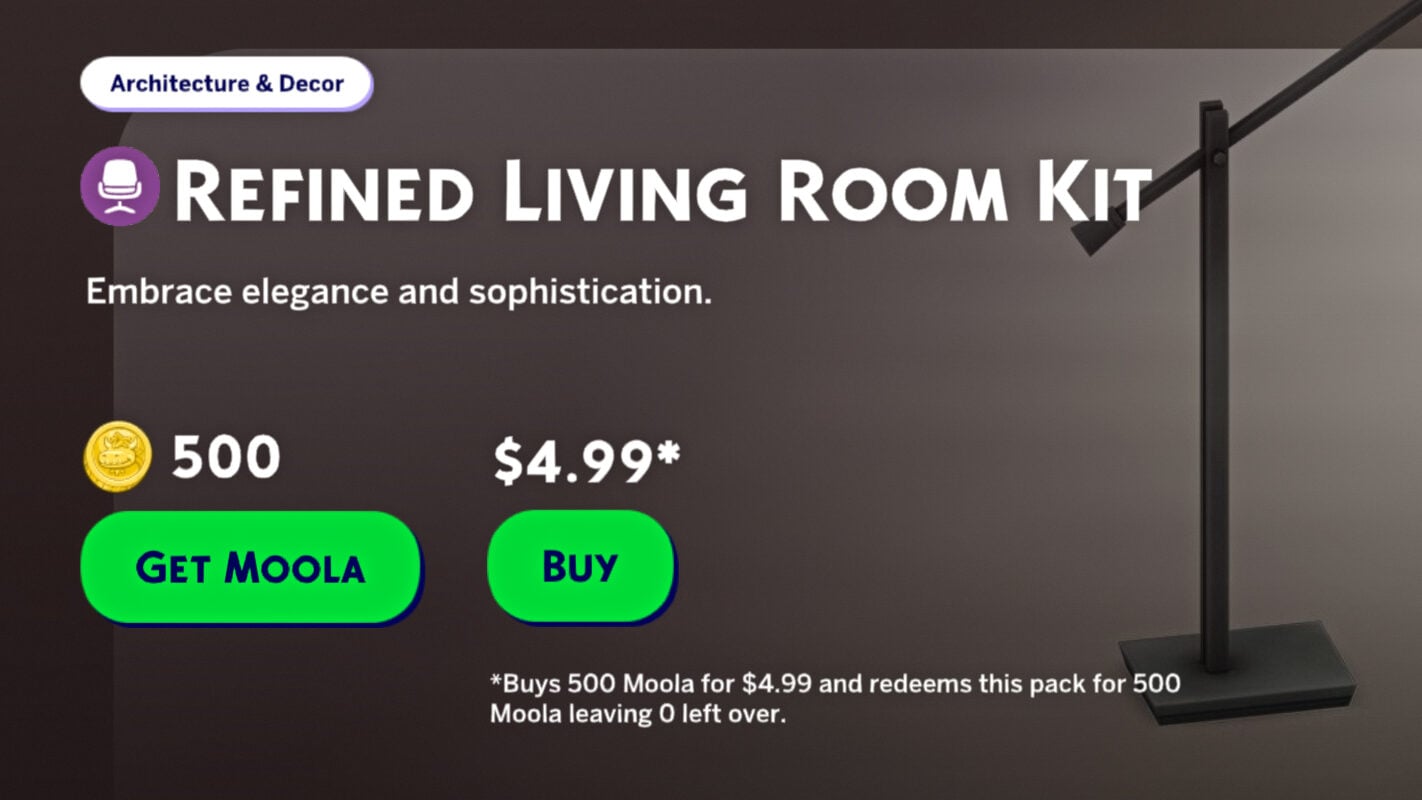
Now, when browsing Kits and Maker Packs, two purchase options show up, giving you the options to buy it with Moola directly (If you have some in your account; If not, it shows “Get Moola”) or to just buy it directly. This opens the EA App Overlay to purchase Moola, but will automatically redeem for the exact amount once the Purchase is finished, as well as purchasing the maker pack or kit. There is also now smaller text indicating how much Moola it will purchase, and how much would remain. So far, I did not find a maker pack where any excess Moola would remain since the additional amounts were added.
The Gallery Performance
A big point of the Sims 4 June Patch is to reduce issues players run into with the gallery, primarily with load times, soft locks, and other errors. These often occurred when players placed lots that had used lots of placement cheats.
Loading Times & Search Efficiency
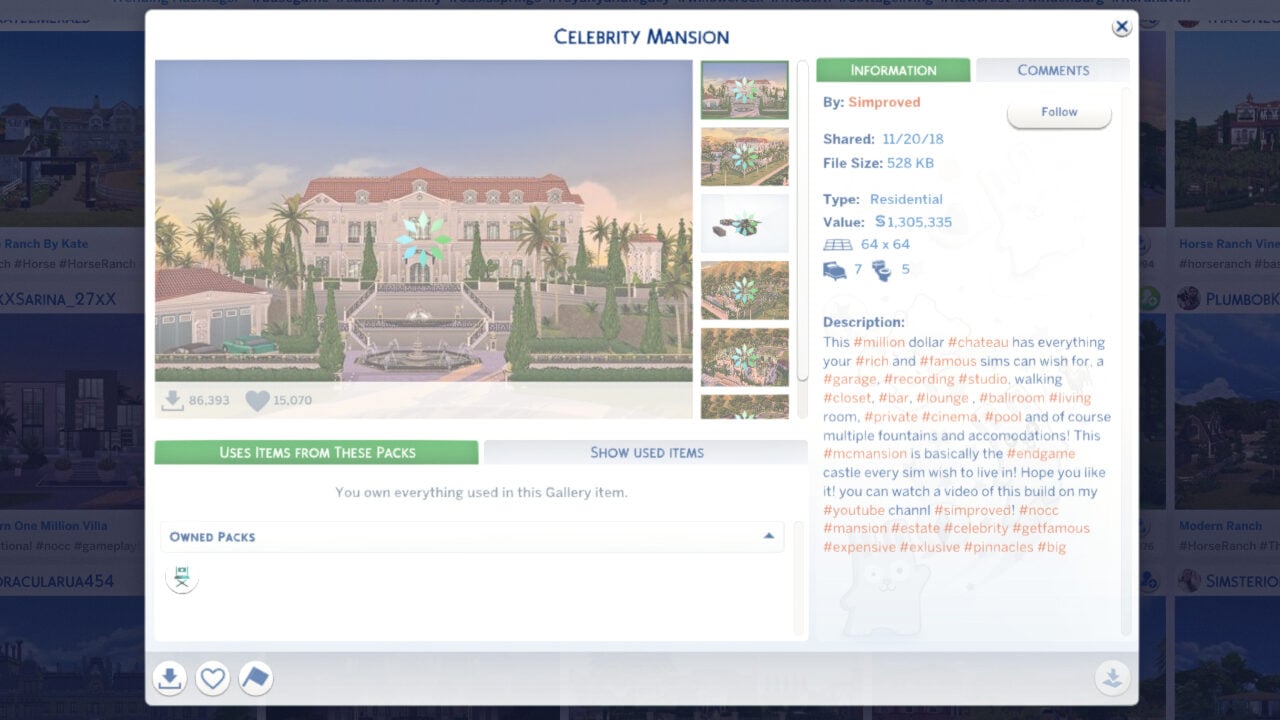
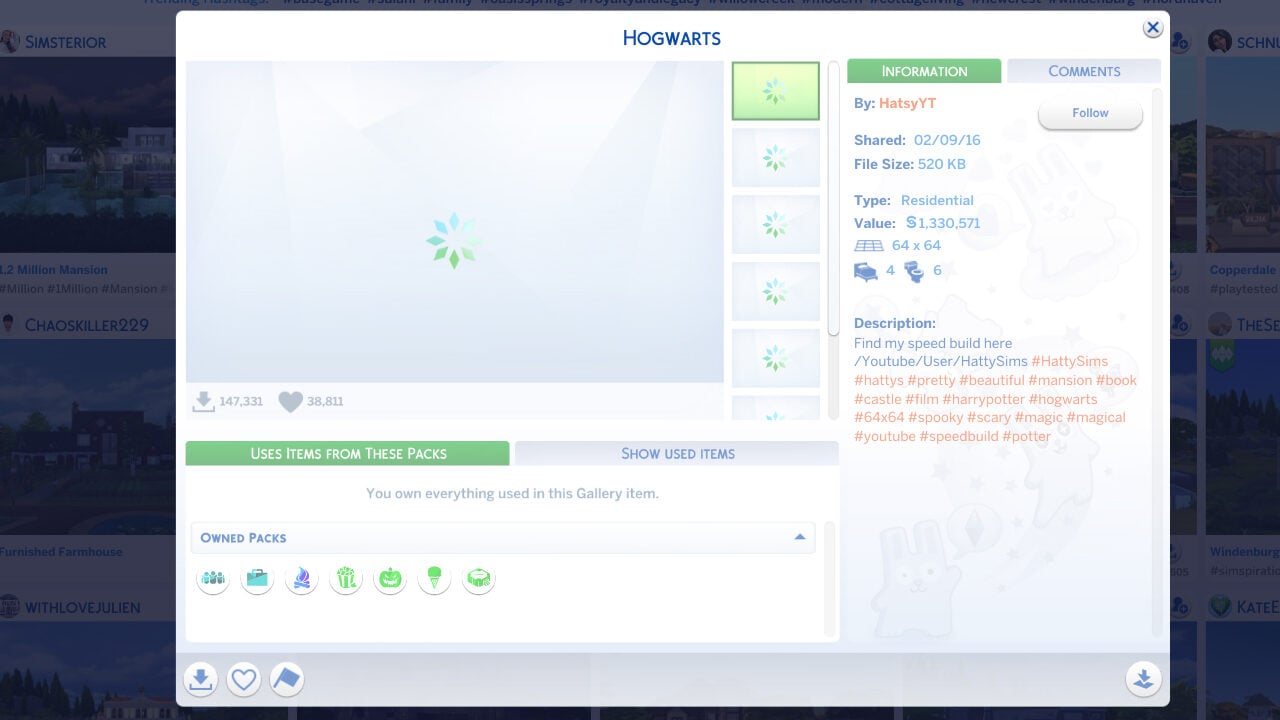
While searching for lots, families, etc., my gallery did still have some visible load times depending on how many results it pulled, but I did not run into infinite loading screens or any other notable issues while browsing and searching. Thumbnails, images, and listings for larger or asset heavy lots did take longer to load, but no infinite loading screens appeared.
Lot Placement
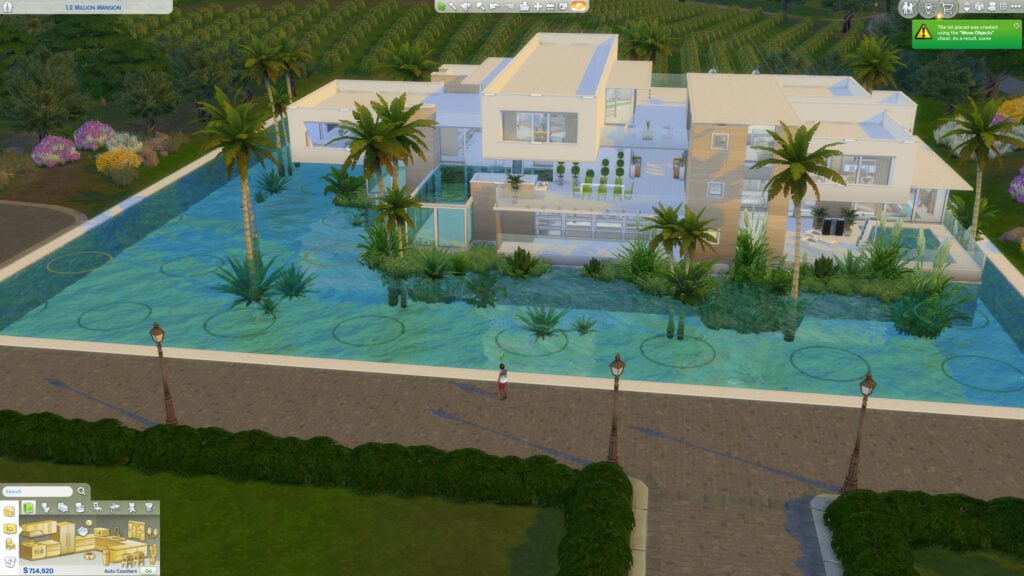
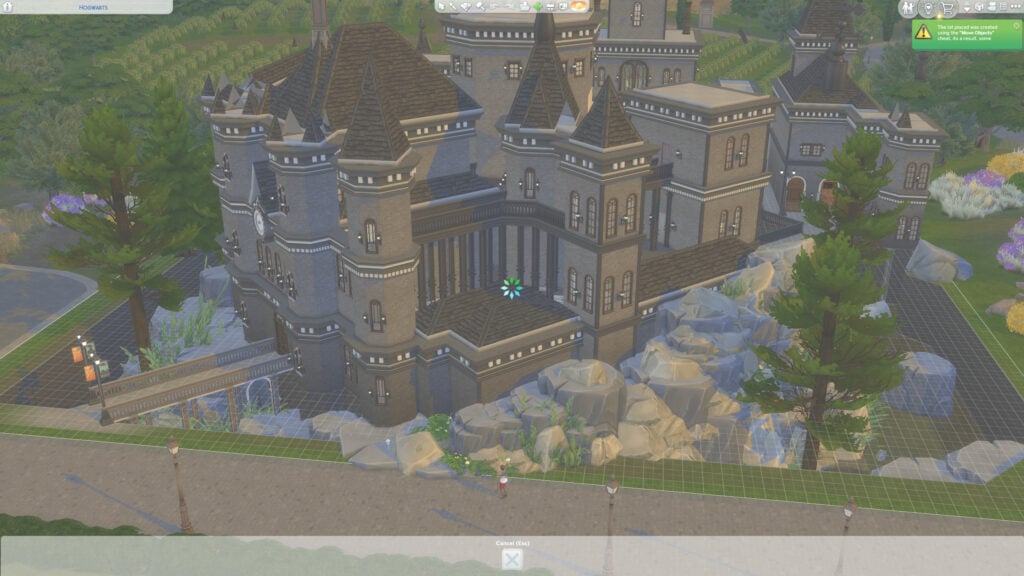
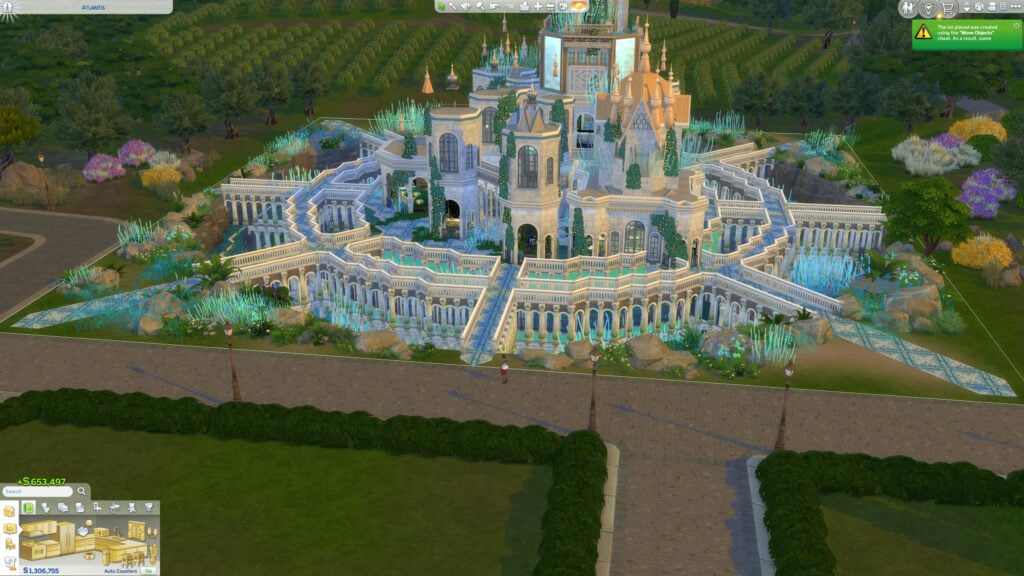
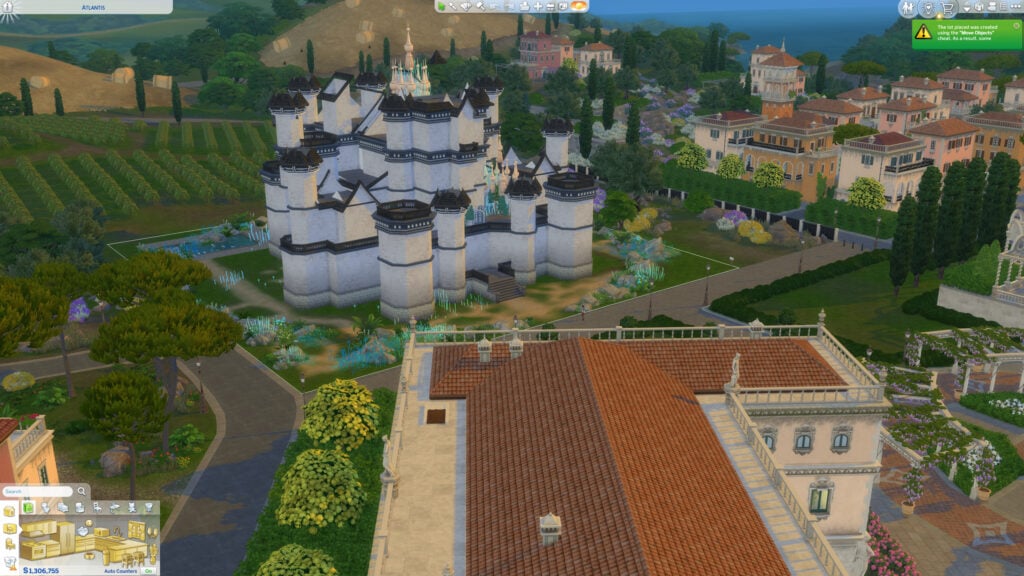
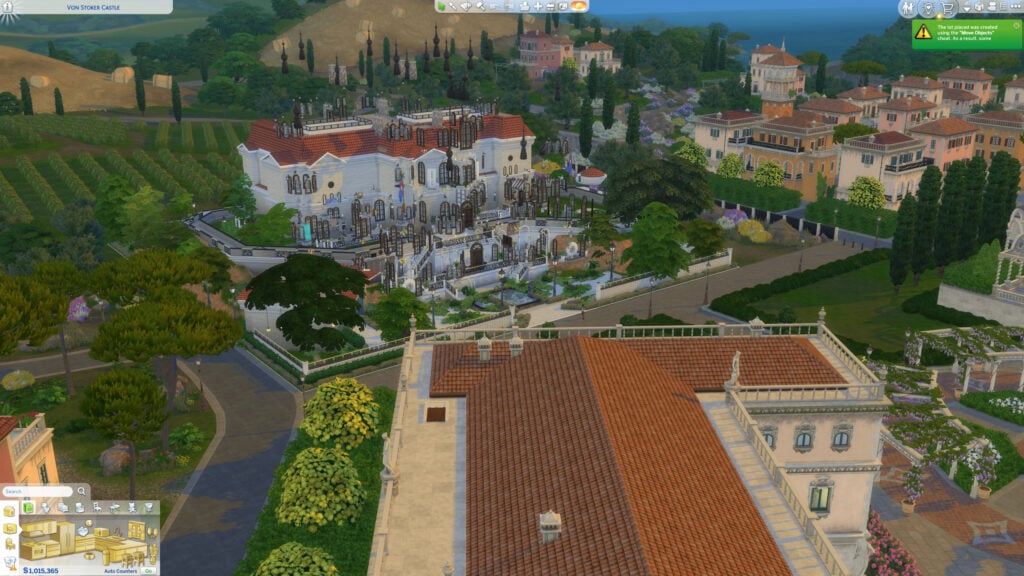
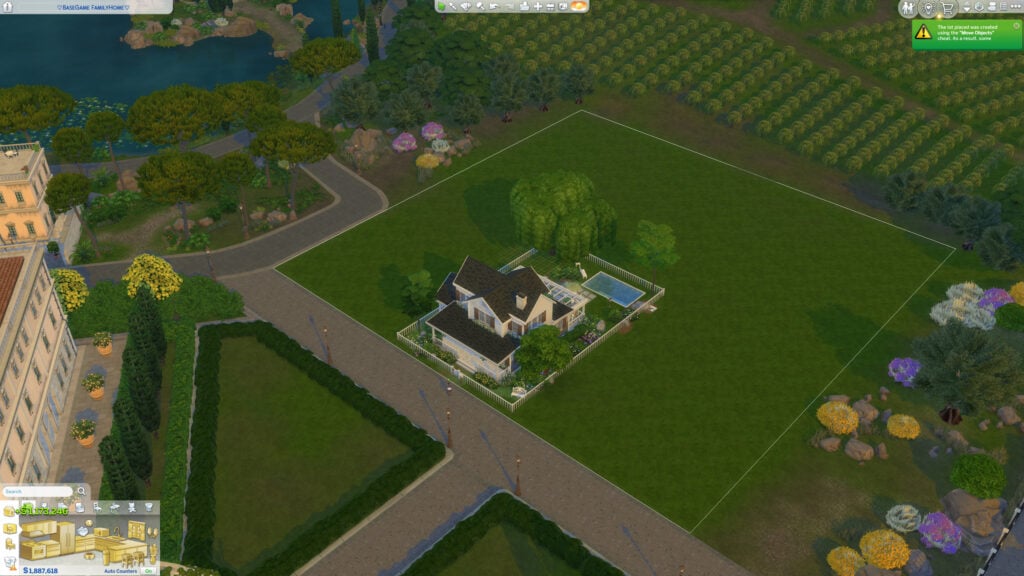
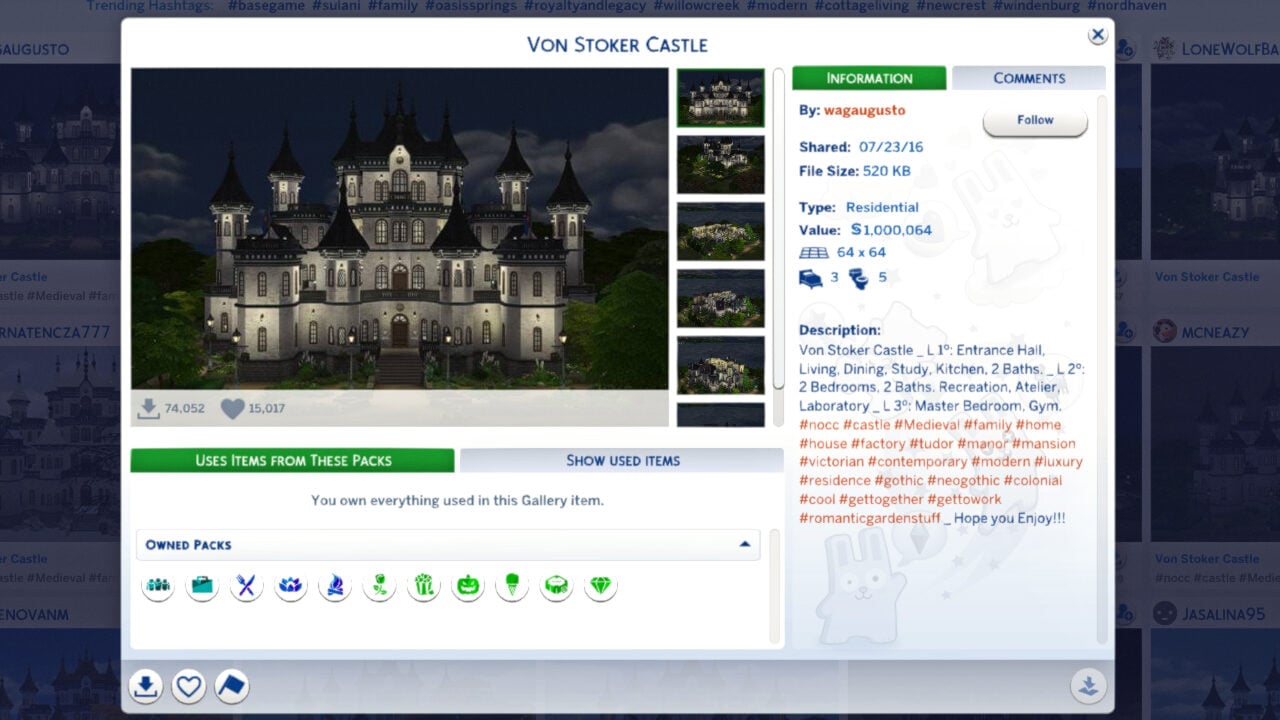
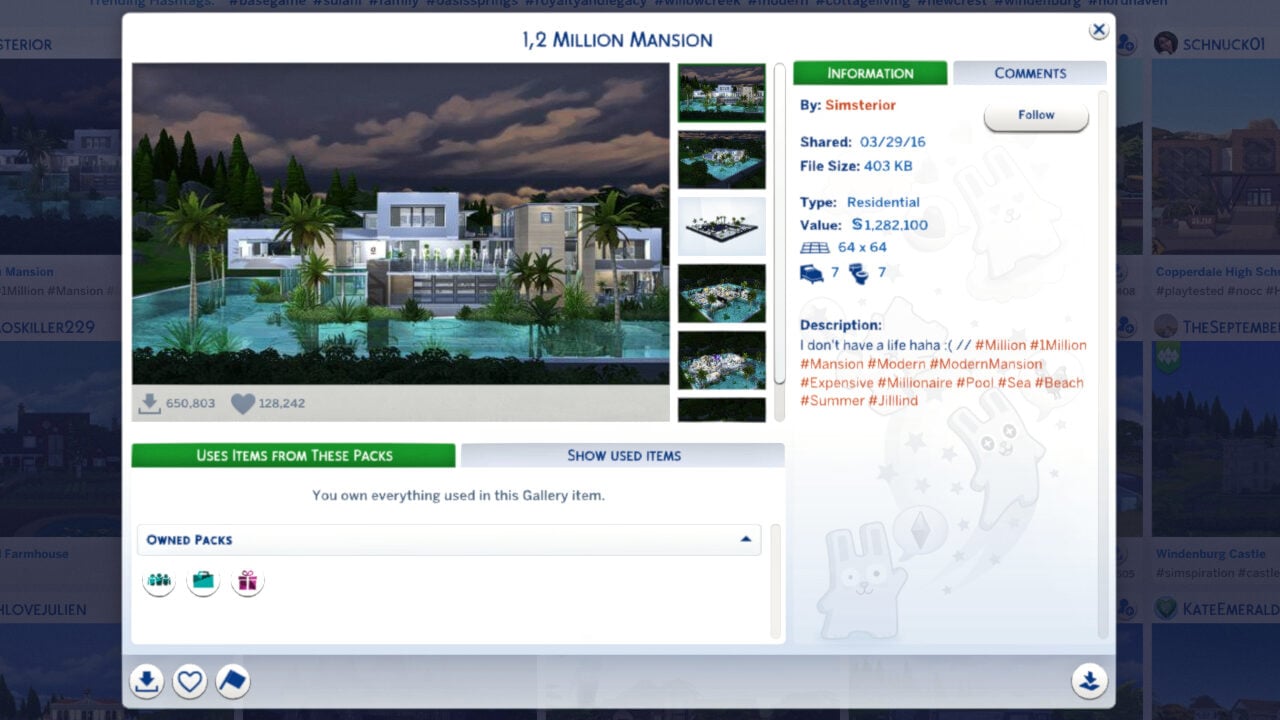
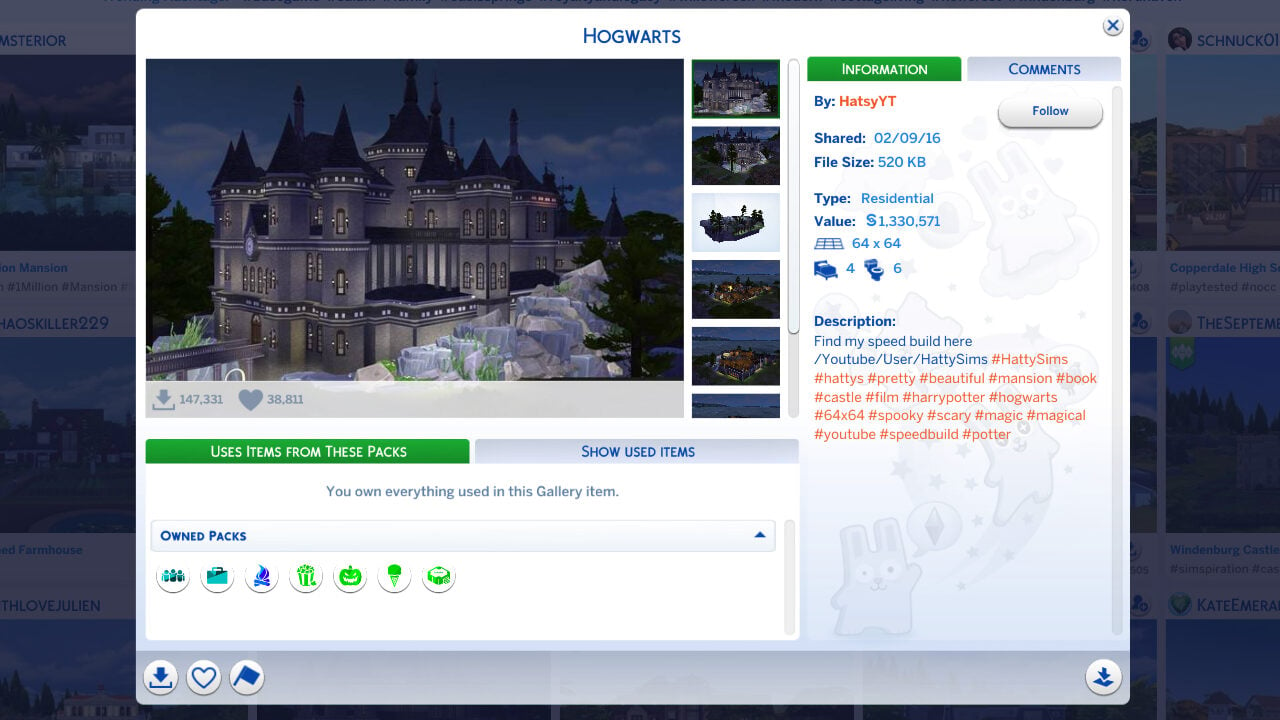
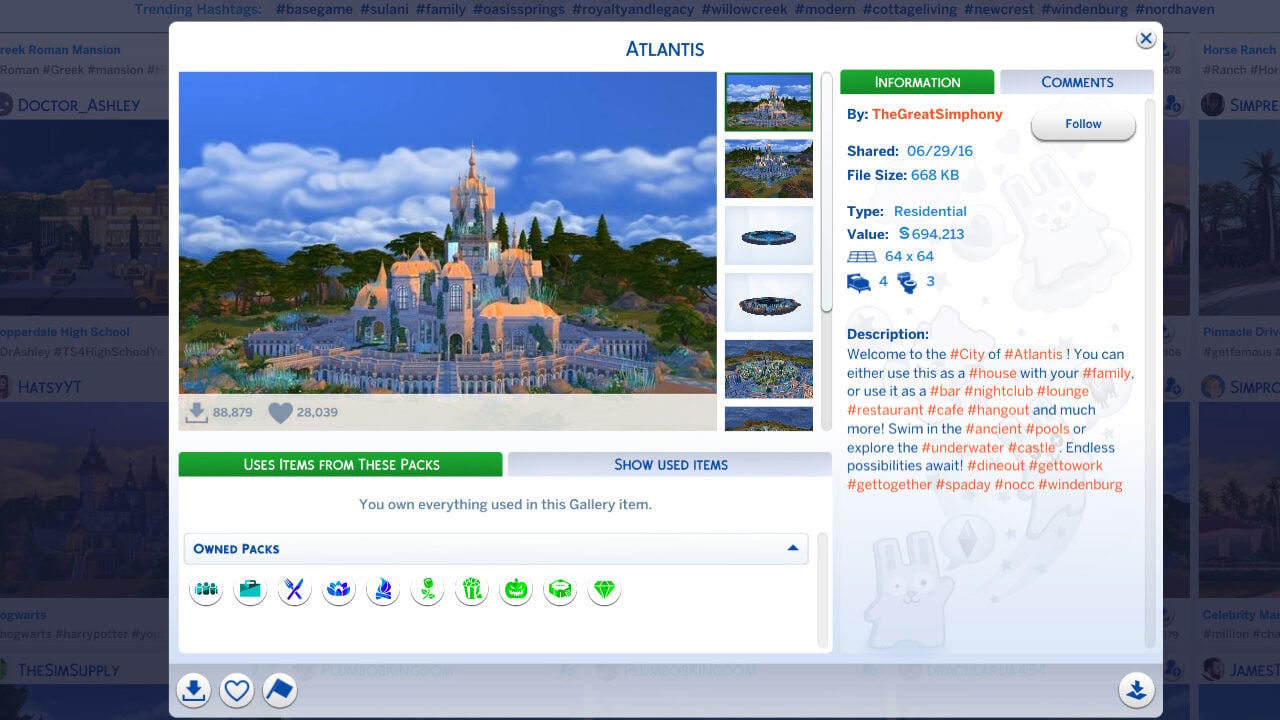
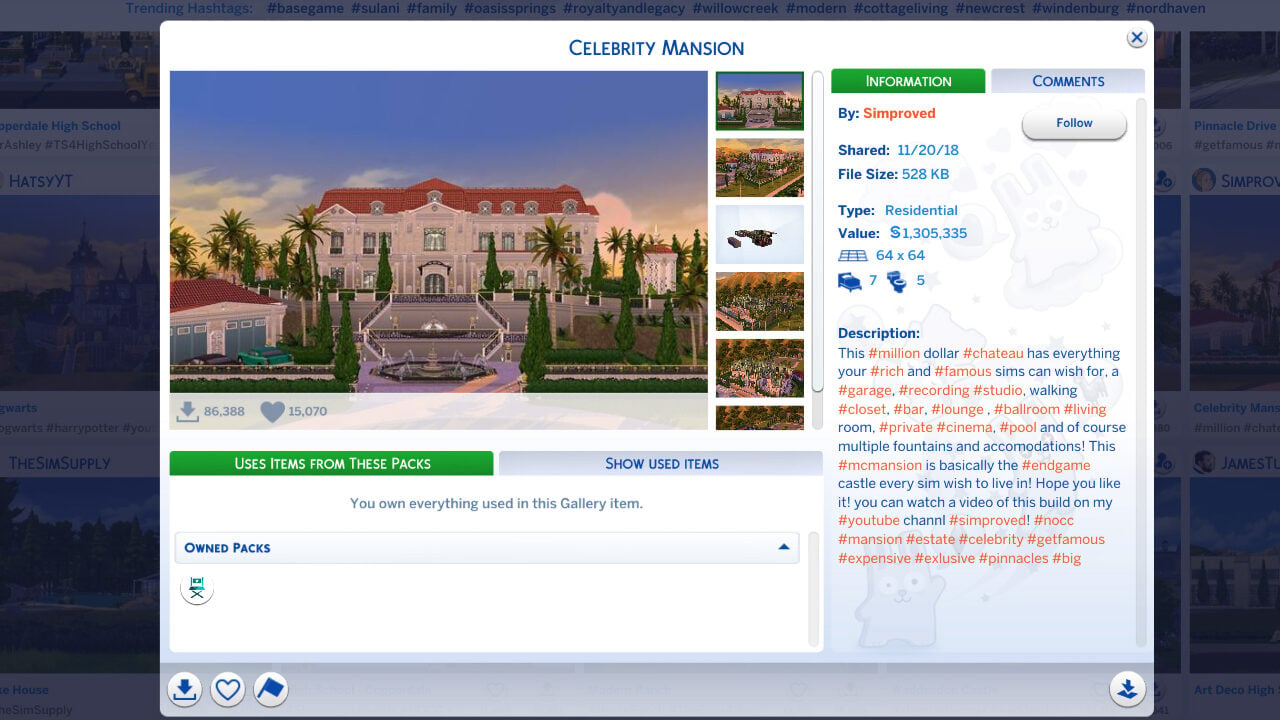
To test lot placement and seeing if I hit the endless loading or save corruption issue, I placed multiple extremely large and expensive lots that likely often used bb.moveobjects and other placement cheats. While I did have one instance where my game crashed (More than likely because I kept placing and replacing 64×64 §1,000,000+ lots, my bad), I was able to consistently place and replace lots without hitting an infinite loading screen or any sort of visible save corruption.
Overall Gallery Performance
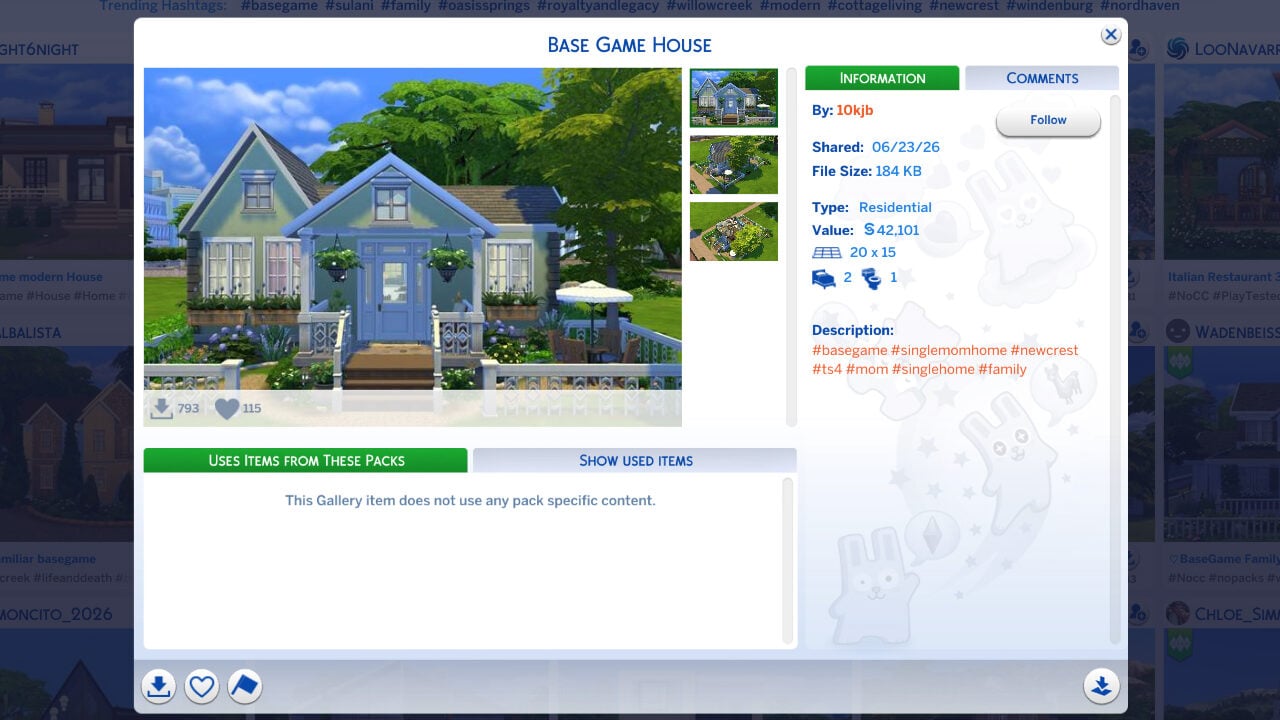
Generally speaking, with both browsing for households and lots, my experience with the gallery was noticeably improved in comparison to times prior to this update. I would often get caught in extremely long loading screens, including ones that led to “No Results” even if there for sure was results, prior to this update. However, I did not have any significant issues with the gallery pop up while playing.
Repetitive Notifications
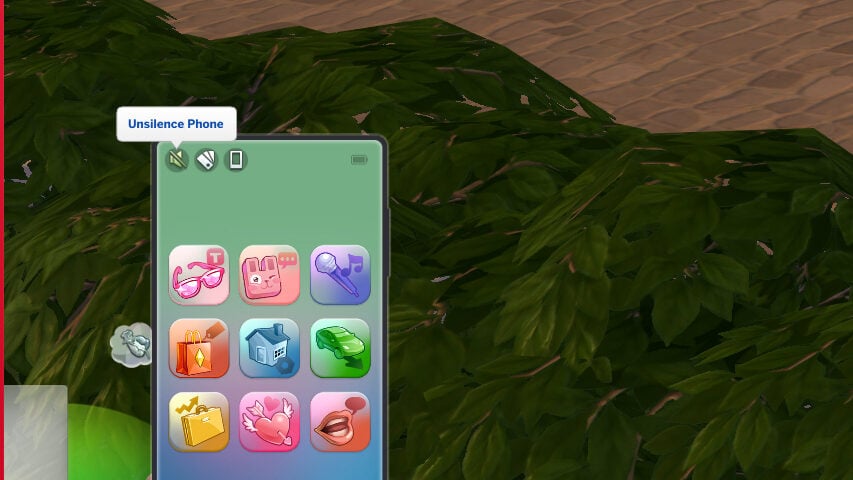
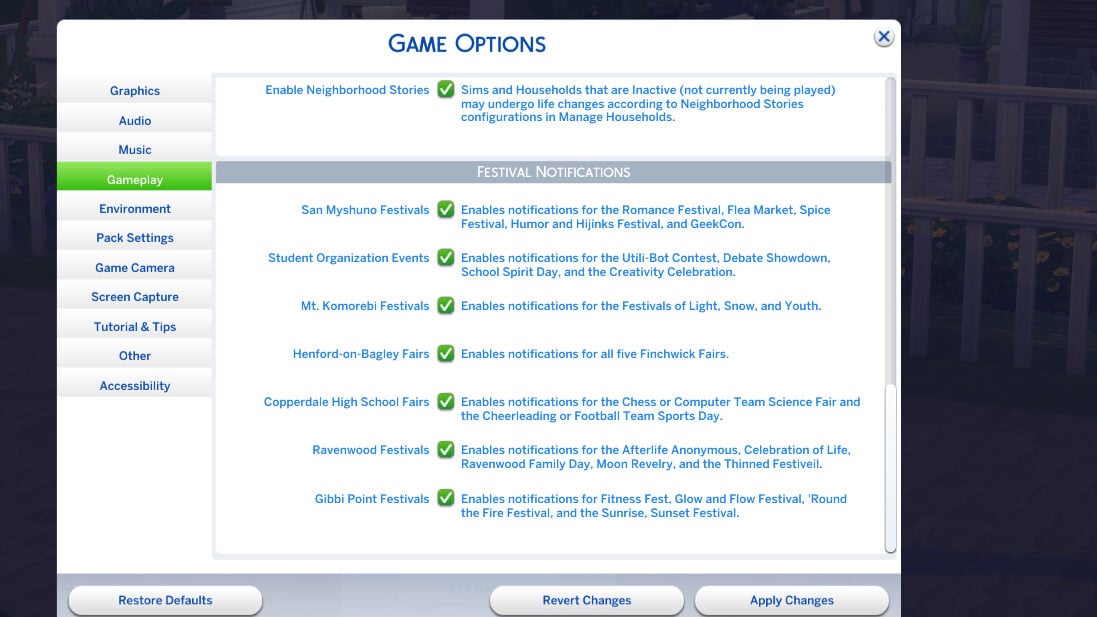
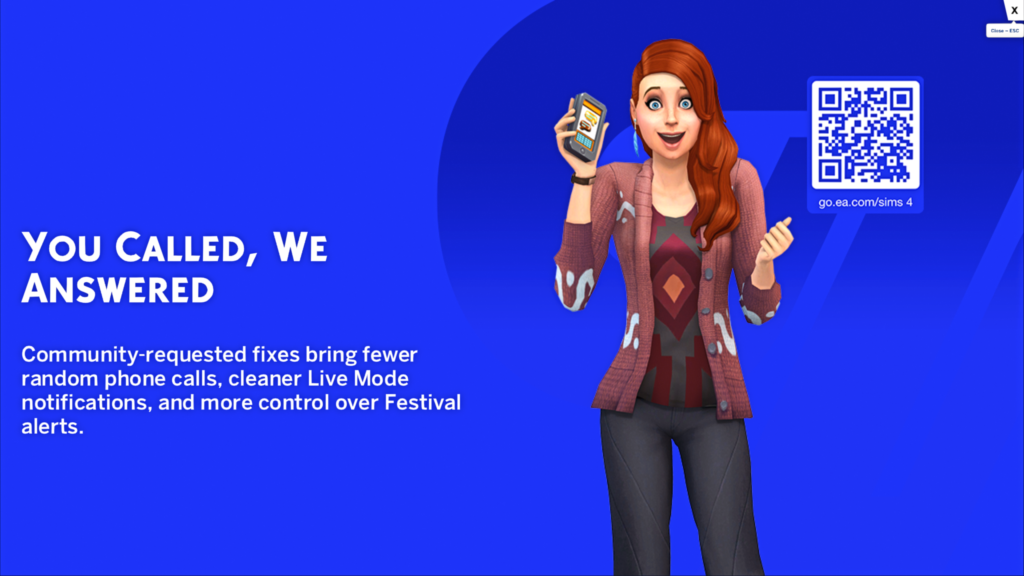
Multiple changes were made to phone calls and notifications. Some primary complaints by players were how repetitive Festival Notifications were, especially when not living in the world the festival is in, as well as how annoying certain phone calls could be. These included phone calls about relationship changes, discovery quests, the reaper career, etc. While the changes for these vary, from fully removing them to changing the requirements for them, the biggest changes were fixing the Silence Phone interaction to actually silence a Sim’s phone, as well as adding the ability to turn off any Festival Notifications you don’t want.
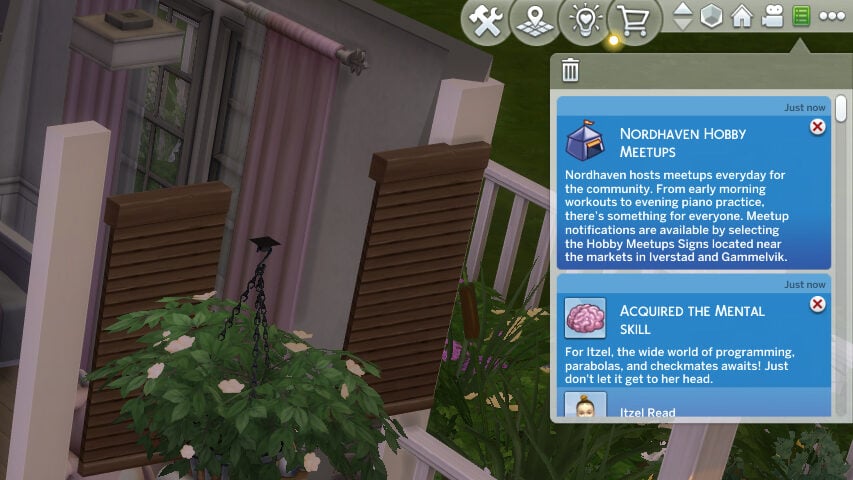
However, since they were not added as an option to disable, I did get a “Nordhaven Hobby Meetup” notification, even with all festivals turned off and also living nowhere near Nordhaven… in Ondarion.
After playing and letting the game run for an extended period of time in a few different saves (Due to the crashing, mentioned earlier), I did not get phone notifications or any repetitive festival notifications! I did test with all notifications for festivals completely turned off, and I did not receive any phone calls while the phone was silenced, even with a high reputation (Get Famous) and many friends.
Miscellaneous
These are just a variety of fixes I was able to directly test for fairly easily and without using a super long-term save!
Partner Relationship Reverting in CAS
A known issue was that Sims who were in a “Romantic Partner” relationship within the same household had an issue in Create-A-Sim. The relationship would revert, to “Household Member”, upon entering Create-A-Sim.
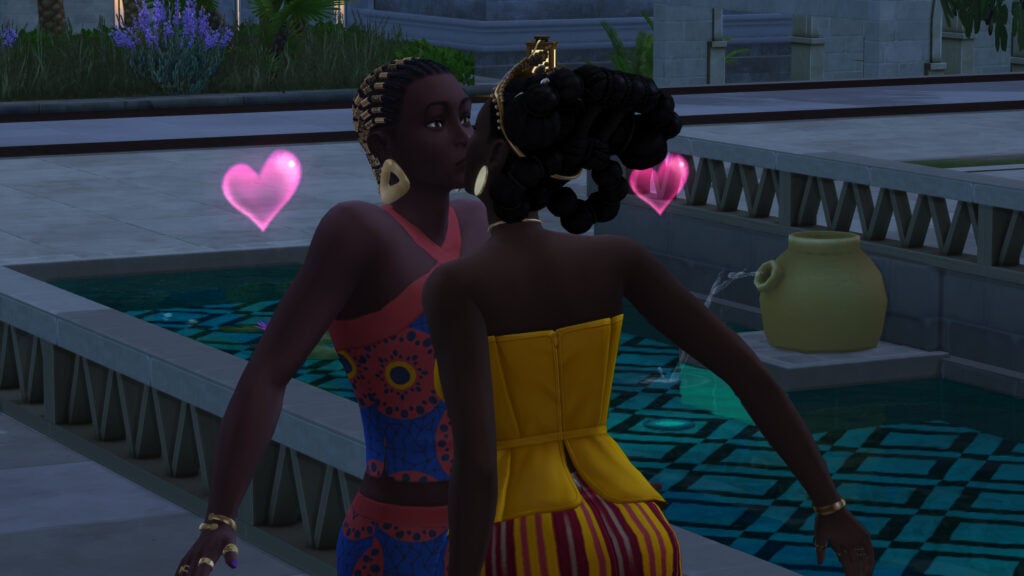
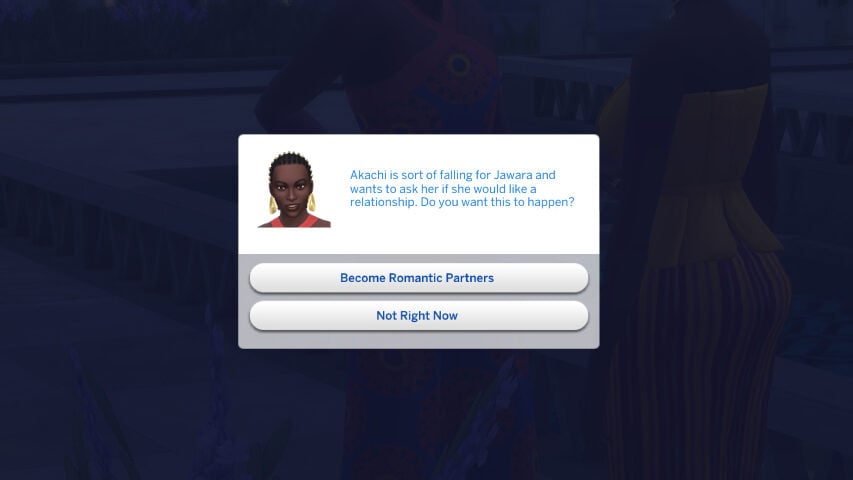
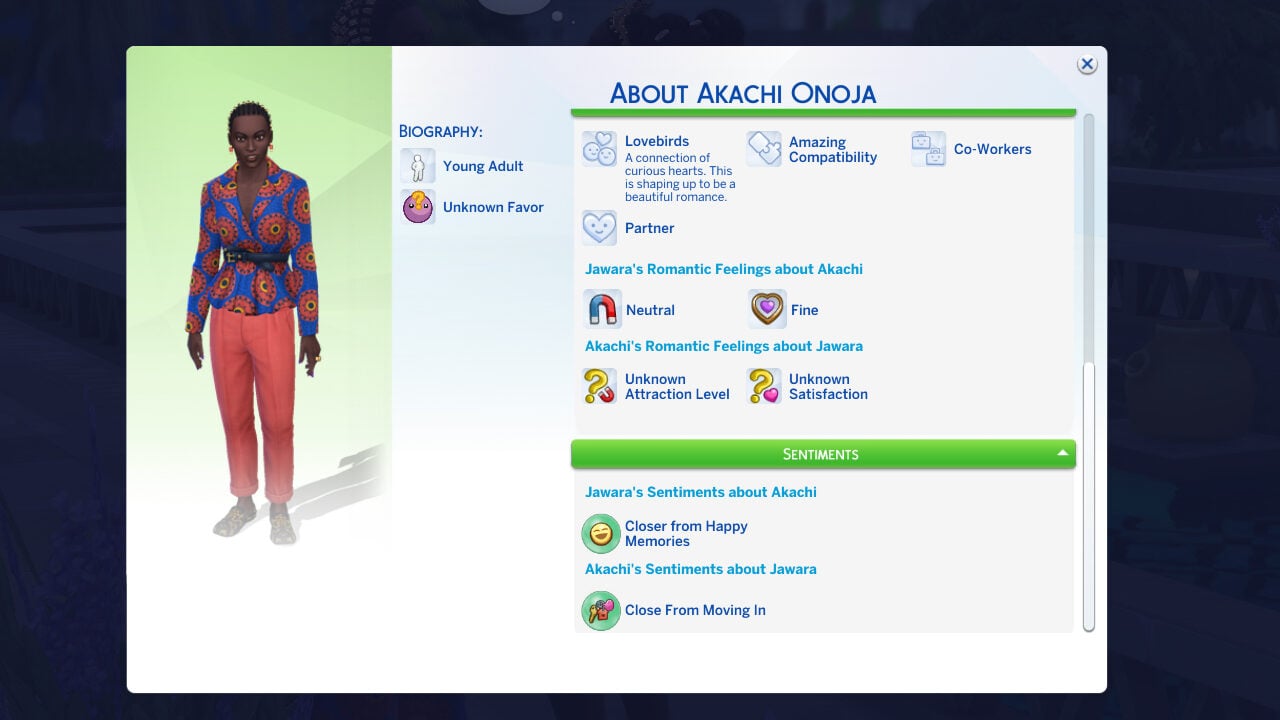
Testing with the Darong household from Royalty & Legacy, I progressed Jawara’s relationship with her advisor Akachi, to the point of Akachi autonomously asking to be romantic partners. I also invited Akachi to the household so they would be visible in the family relationships drop down menu.
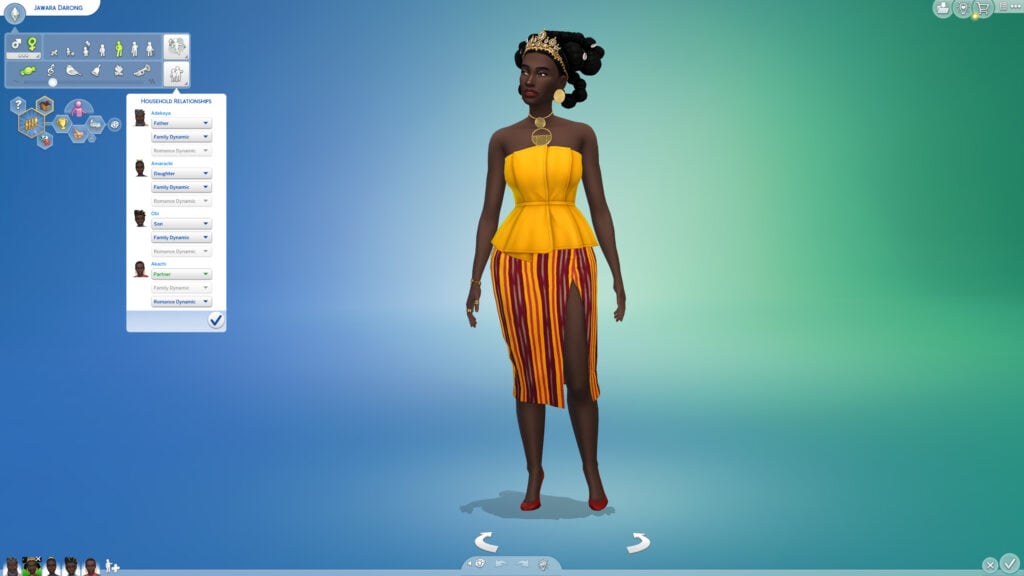
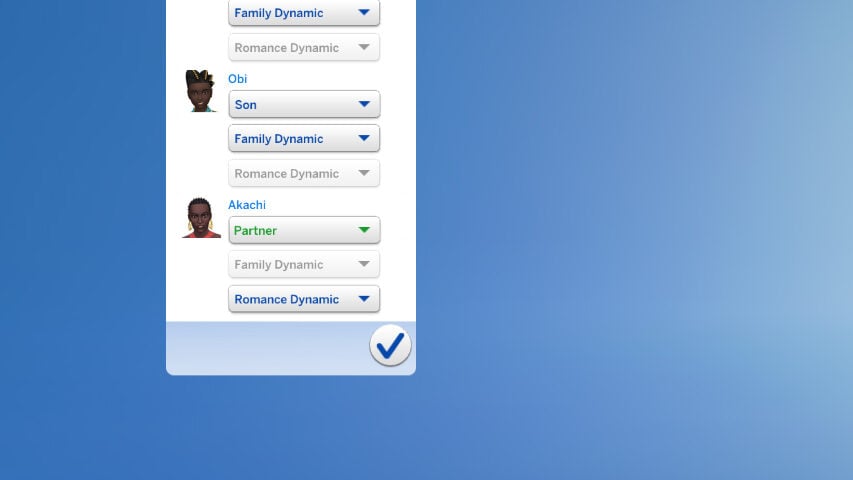
Thankfully, this bug seems to have been addressed as their “Partner” relationship status was consistent in Create-A-Sim, including with cas.fulleditmode being enabled.
Infant Milestones for Visiting Relatives
Another reported bug is infants no longer consistently receiving the milestone for visiting a family member’s home. This specific milestone for infants is called “First Visit to Family Member”.
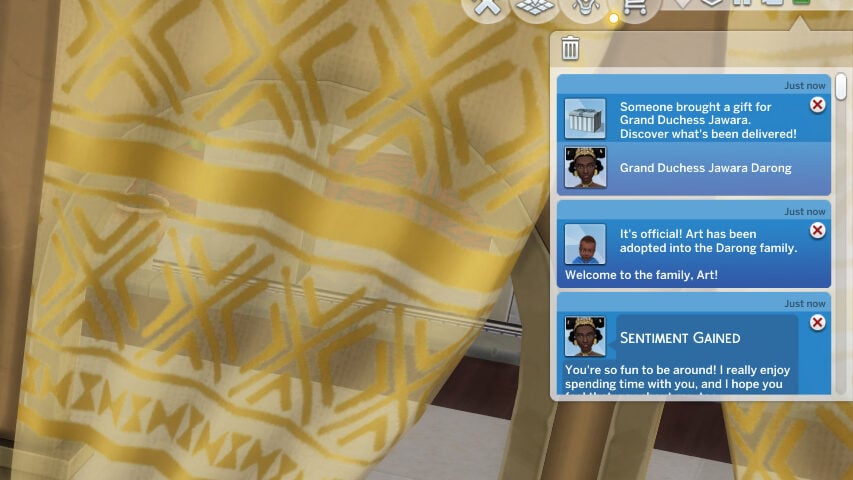
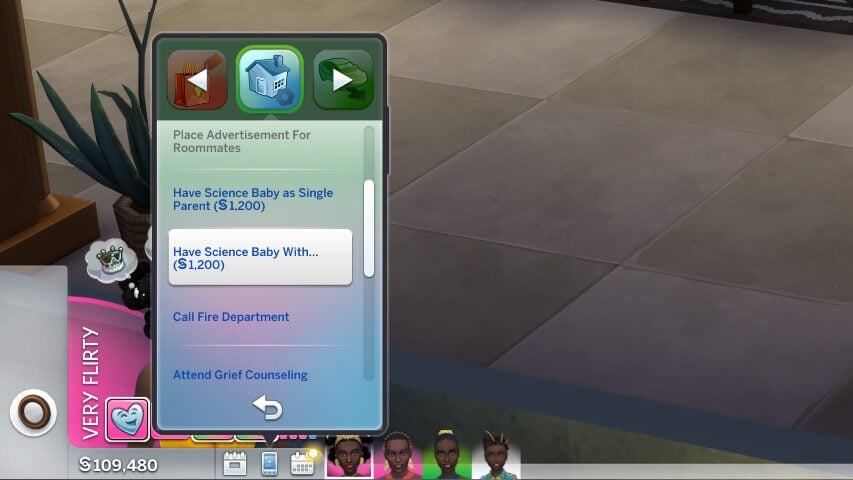
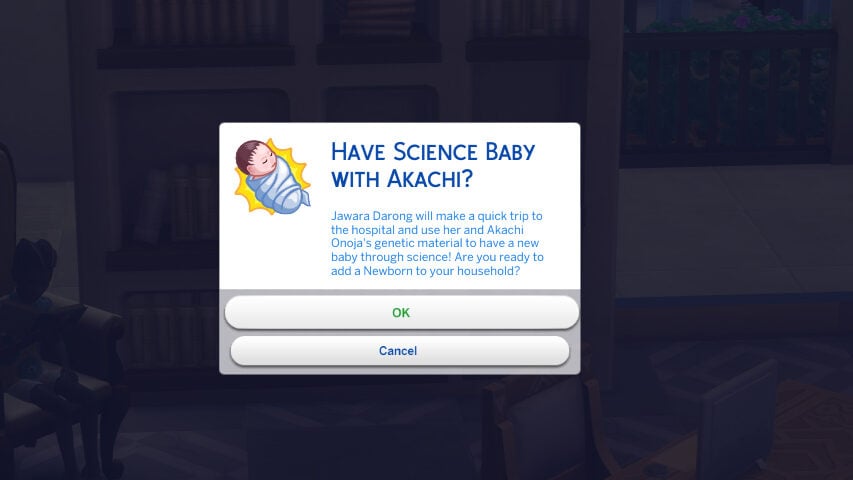
With the Darong family, I did have Jawara and Akachi expand their family by having two children through science, as well as Akachi adopting one baby and Jawara adopting said baby after the fact. (Since they were only partners and not married, the game did not instantly recognize Jawara as another parent until I used the “Adopt” interaction once she became friends with the infant)
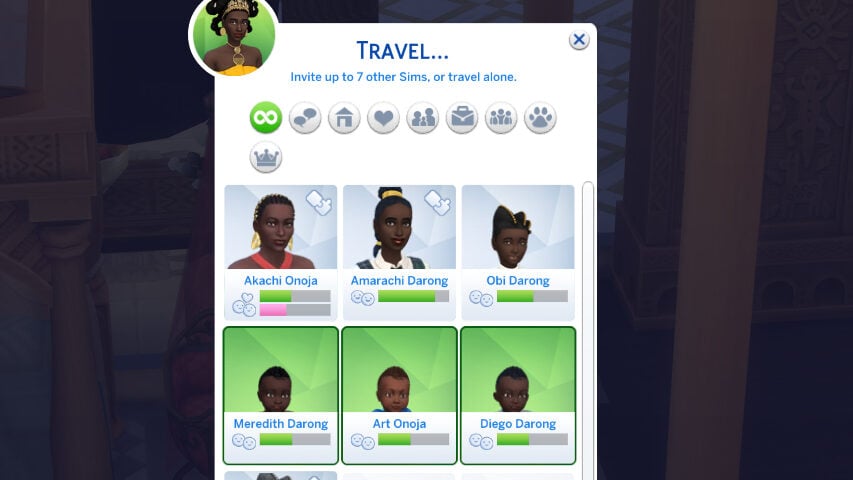
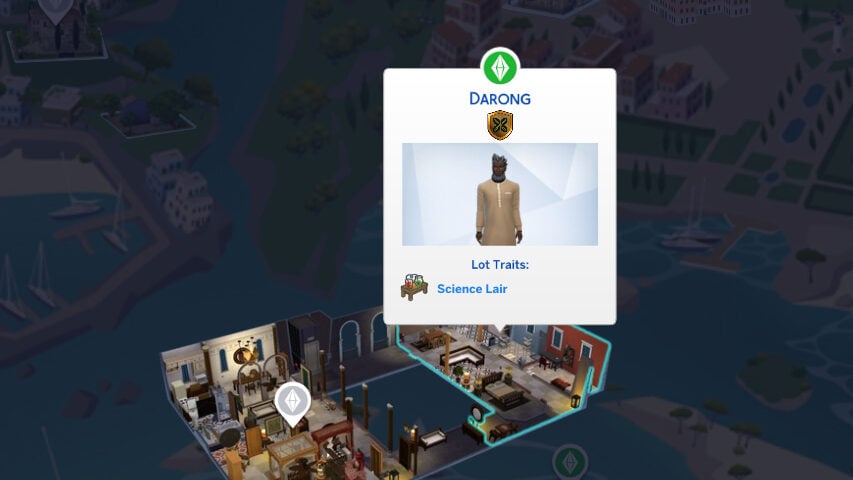
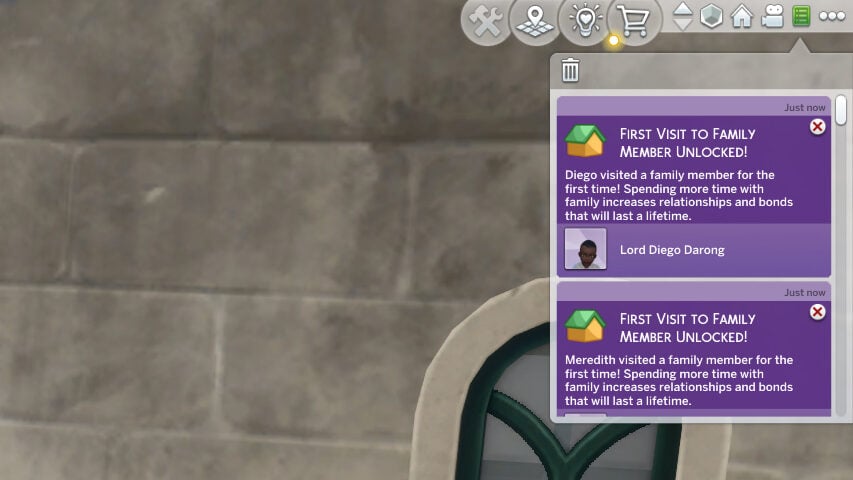
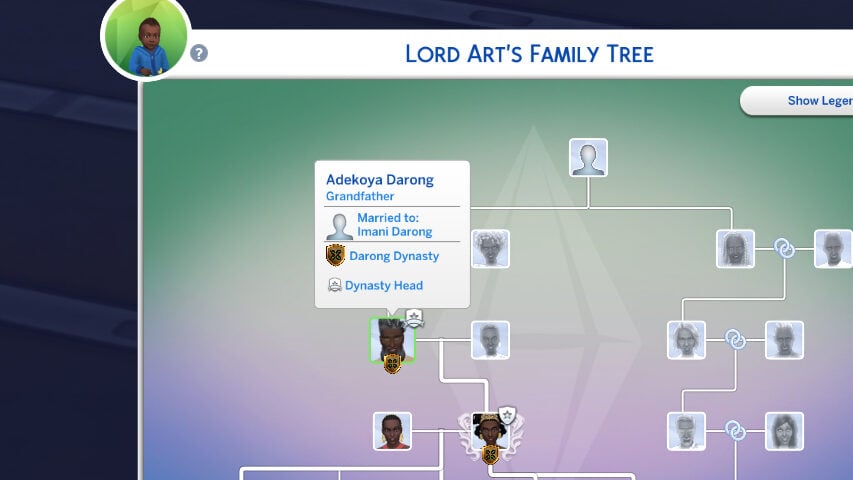
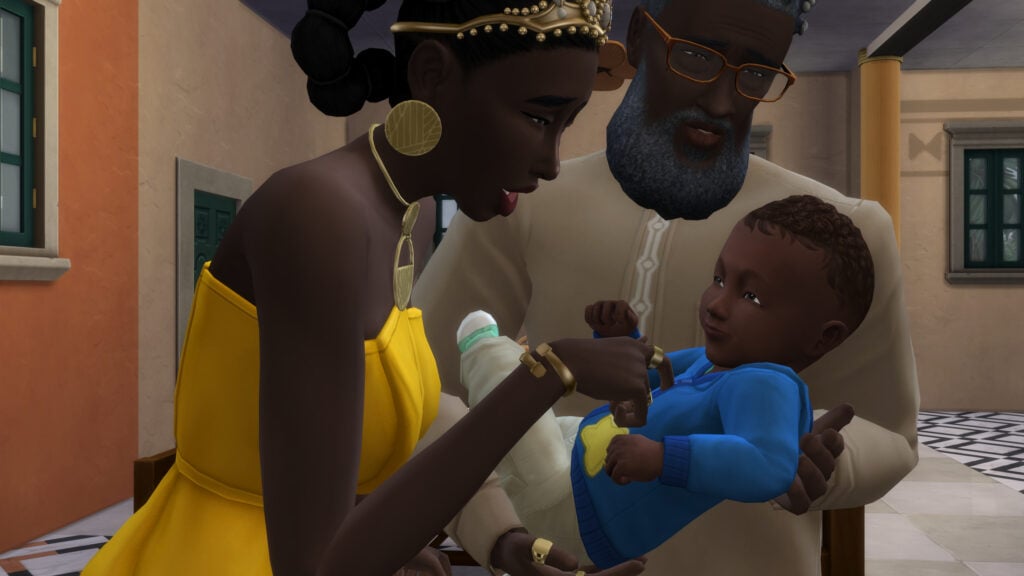
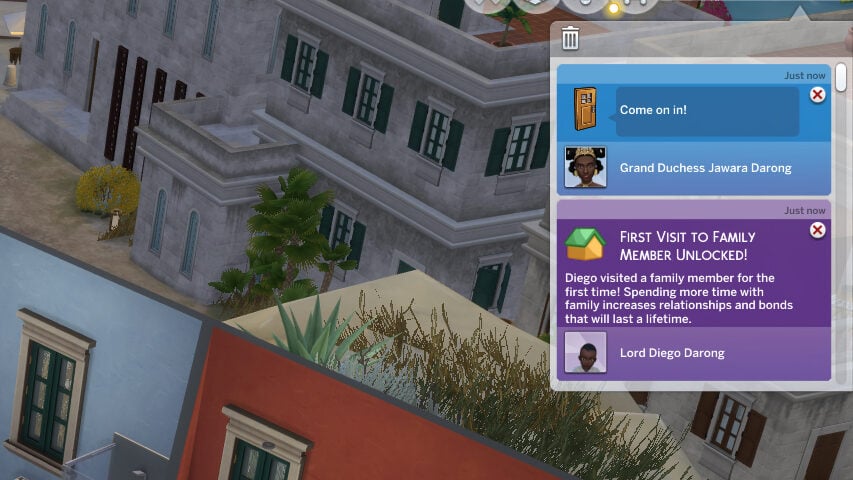
I then moved Adekoya, Jawara’s father and the infants’ grandfather, to a nearby apartment to test the feature. When only Jawara visited with all three infants, two of the milestones properly triggered. Specifically, the two science babies (Which were genetically related to Jawara, and therefore Adekoya) did trigger and receive the milestone. However, even with him appearing as the infants grandfather in the family tree and having introduced the two, it did not trigger for Art, Jawara’s adopted infant.
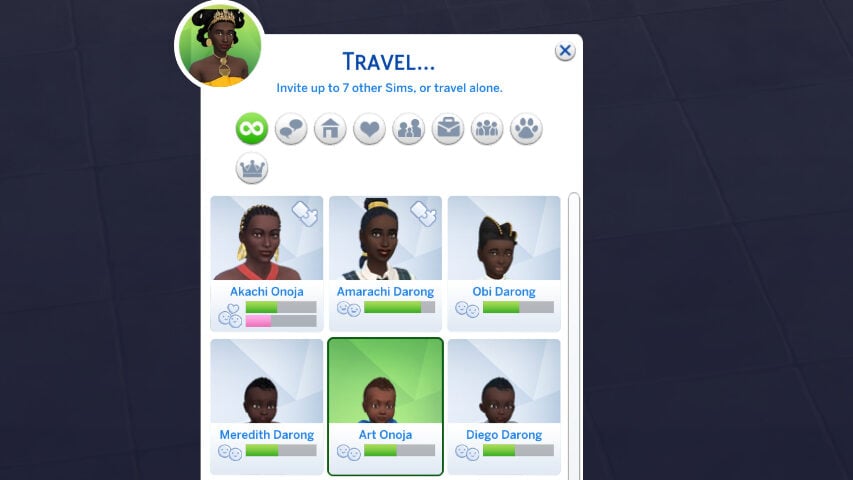
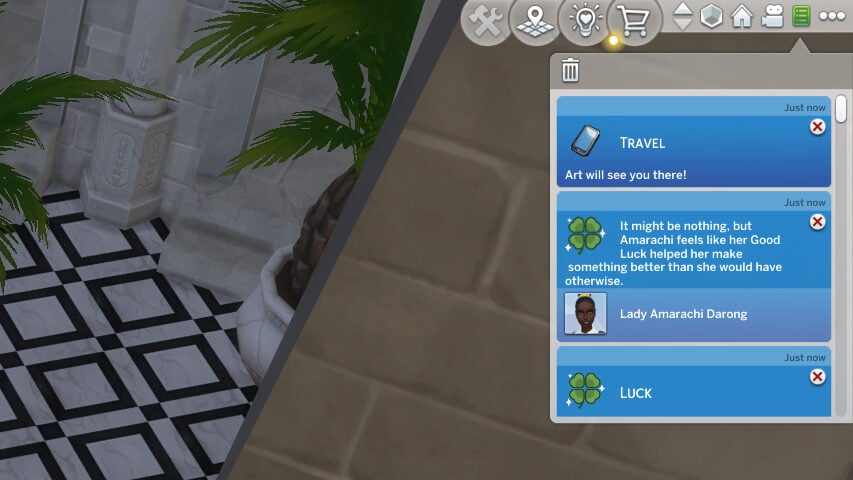
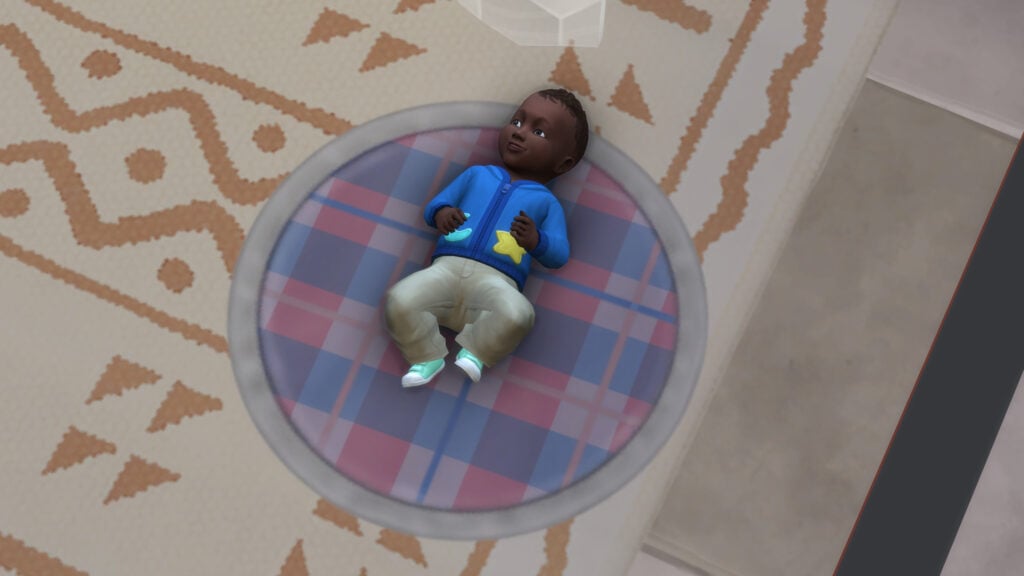
To double check, I did also leave and return to the lot with Jawara and Art, but was never able to get it to trigger in this case of adoption.
Base Layer Assets Quality
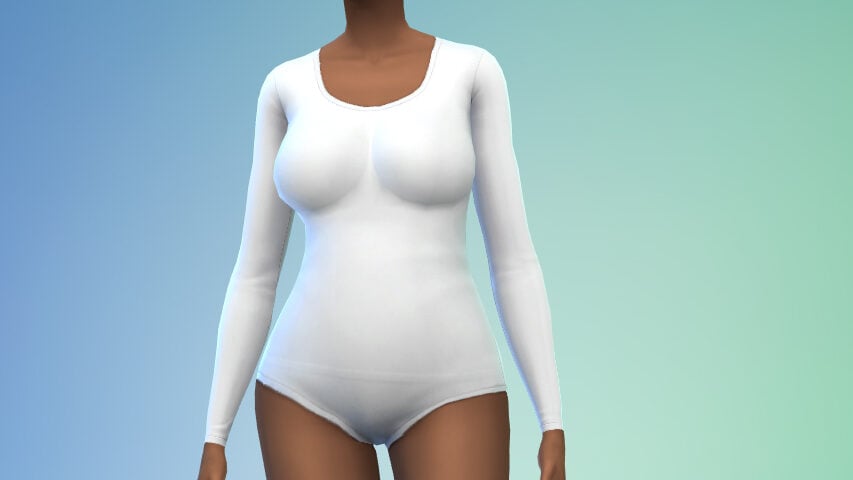
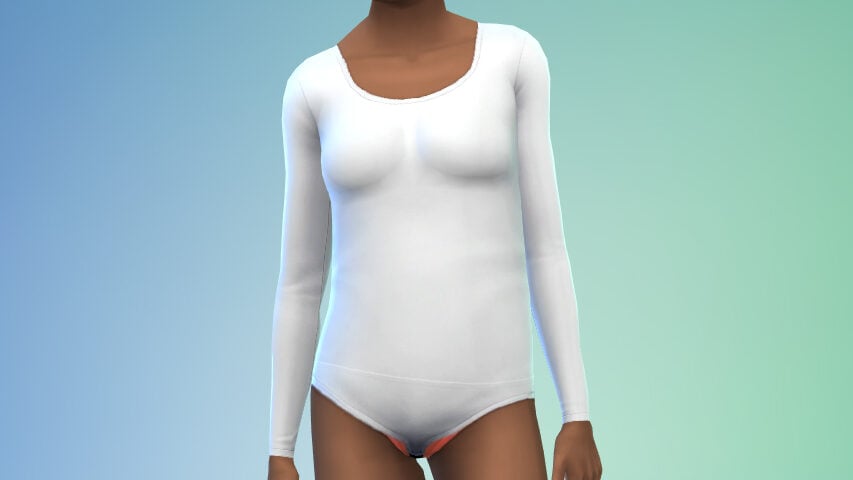
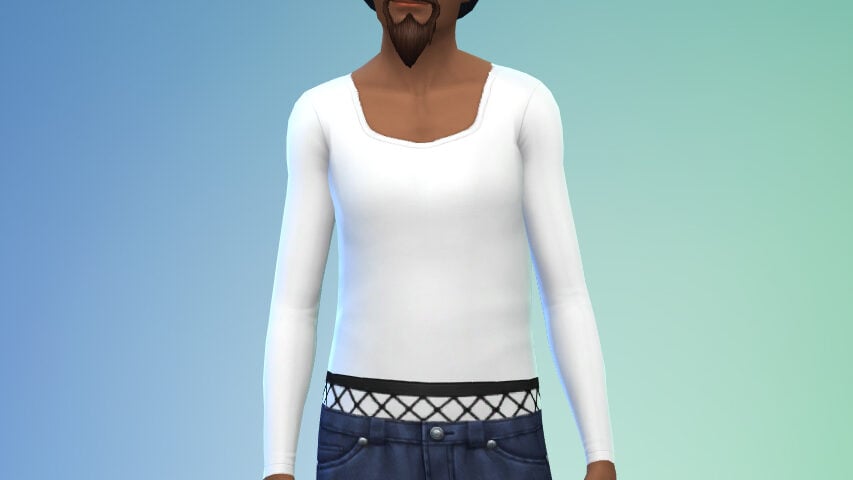
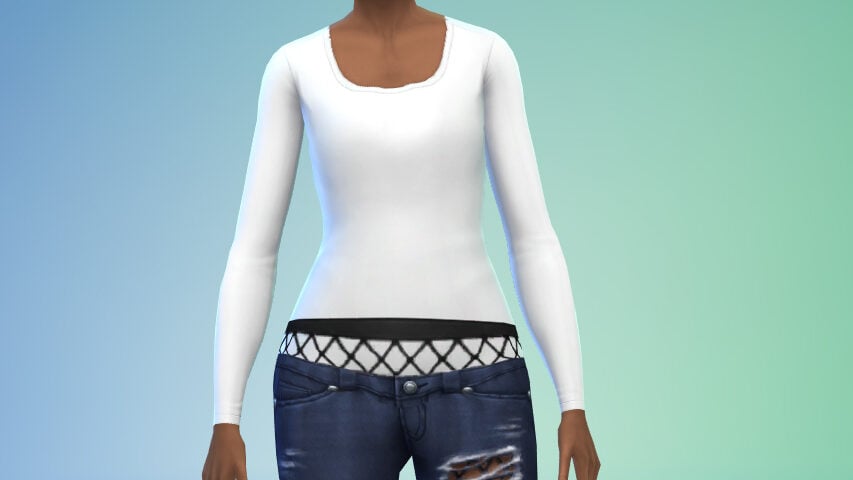
Base Layers added in the Sims 4 May Patch also received an update. It was also noted that some items were fixed to remove breast shadows appearing on masculine framed Sims with these base layers, and I did not find any remaining instances of these shadows on male sims.
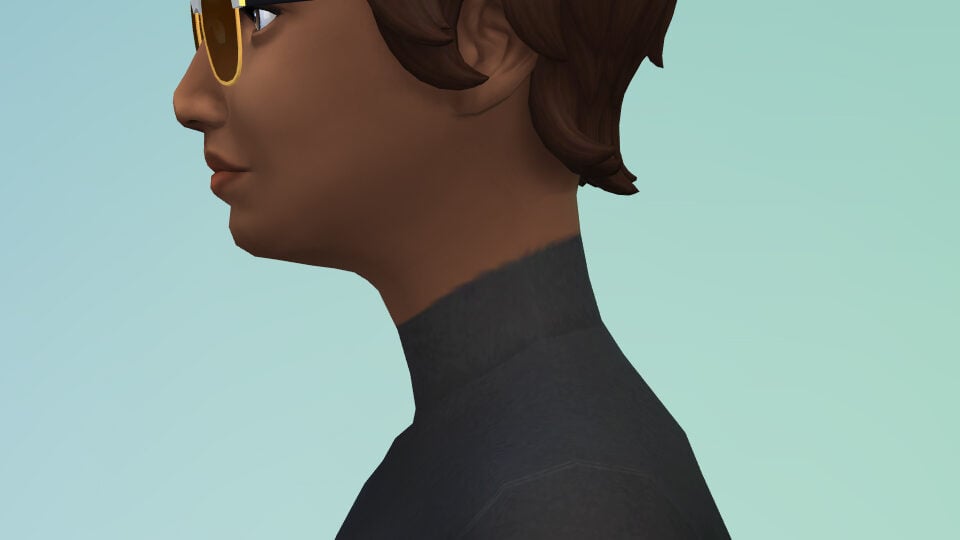
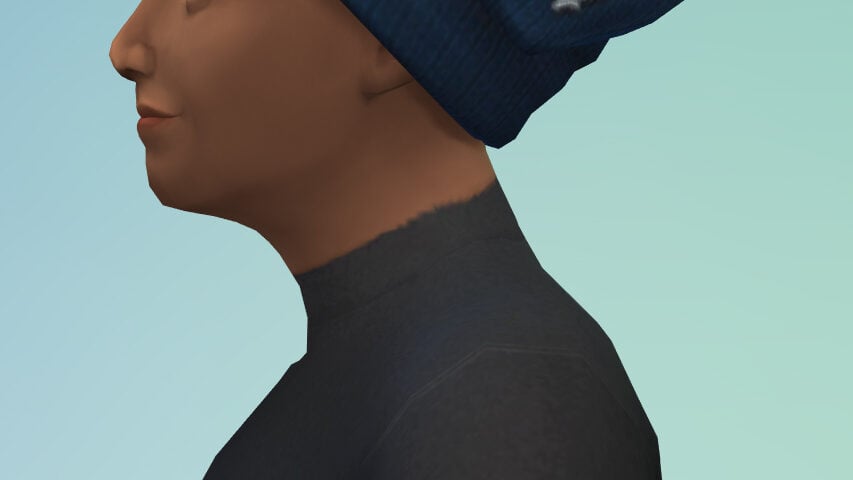
Another fix was that certain base layers were separated into masculine and feminine versions due to a visual issue where turtlenecks would have jutting, low quality seams against a Sims skin when placed on a female Sim. From the looks of it, the jutting visual issues no longer appear, with the (still not great) textures being normally aligned on the neck.
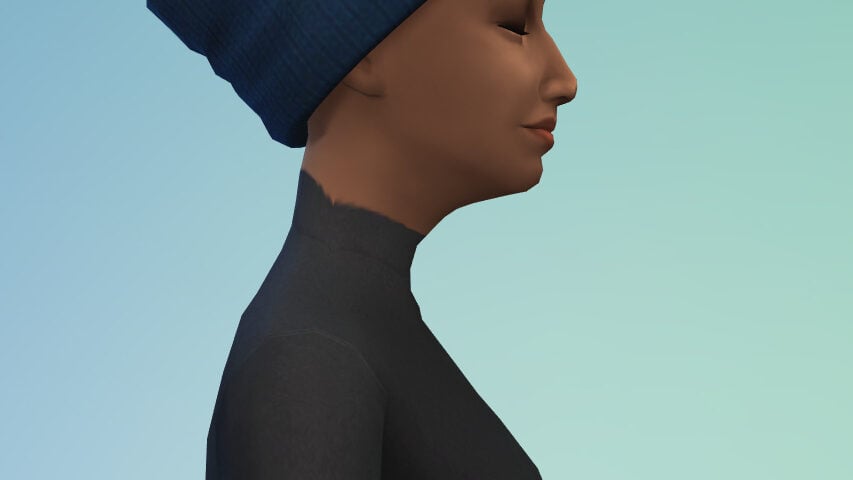
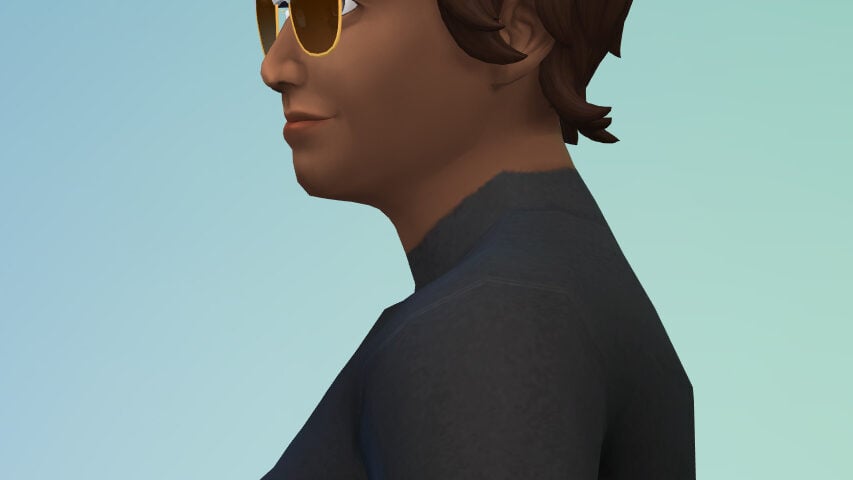
It seemed like it was entirely fixed! The turtleneck texture was improved and looked fine on both male and female sims. However… this was not the case if your sim had a body type that was not “aligned” with their gender. These distortions still appeared on Male Sims with Feminine Frames, and Female Sims with Masculine Frames.
Fan Self Interactions with Hand Fan (Lady Bridgerton’s Masquerade Ball Event)
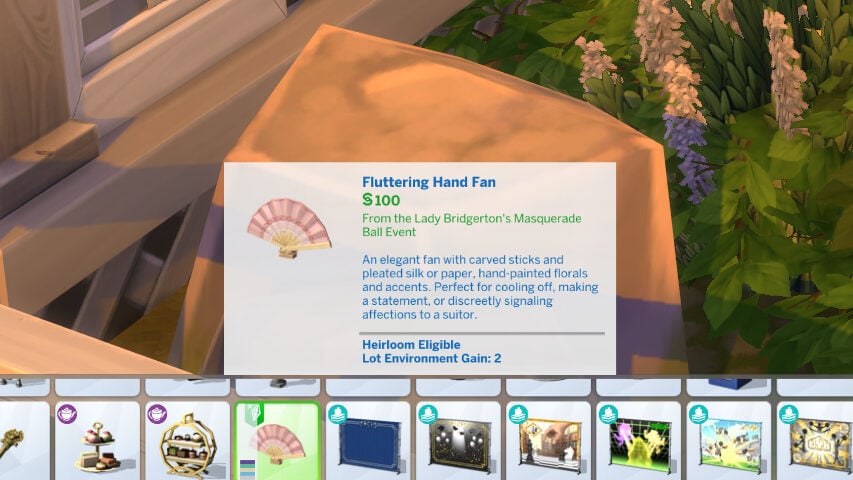
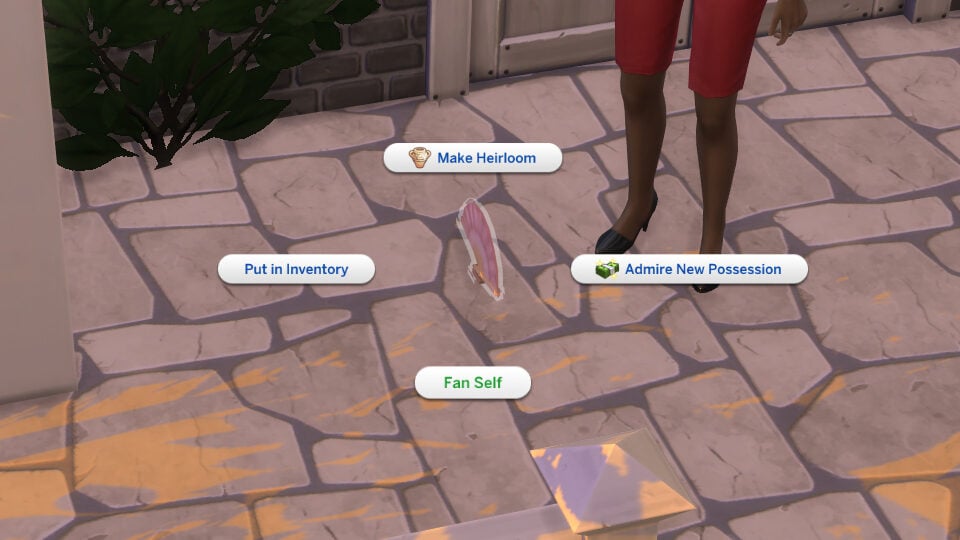
The fan added in the Lady Bridgerton’s Masquerade Ball login event (This is your reminder to login and claim the free items!) was added but had issues where the interaction to “fan self” would not appear, and that once it did, Sims were getting stuck and unable to actually perform the interaction.
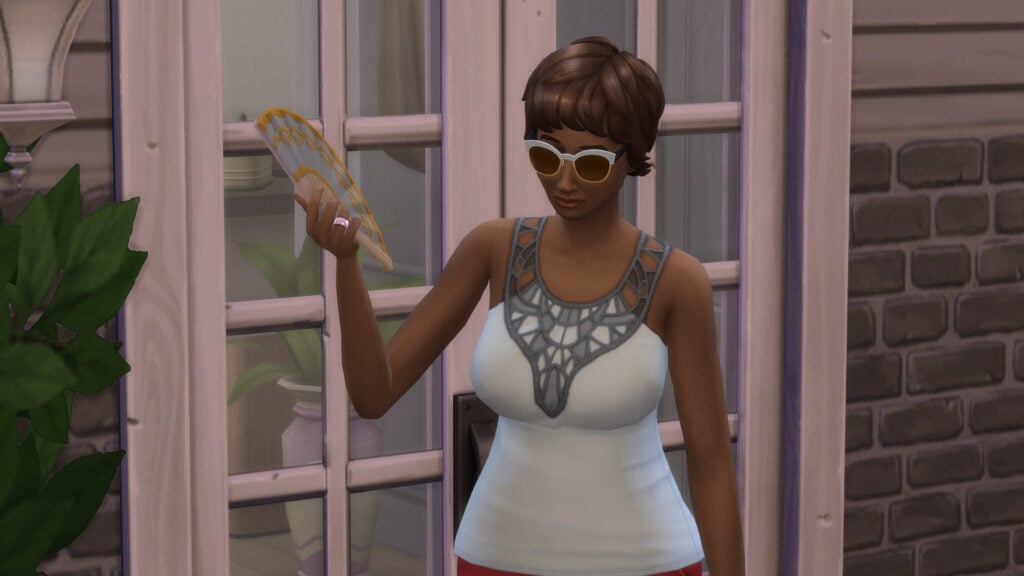
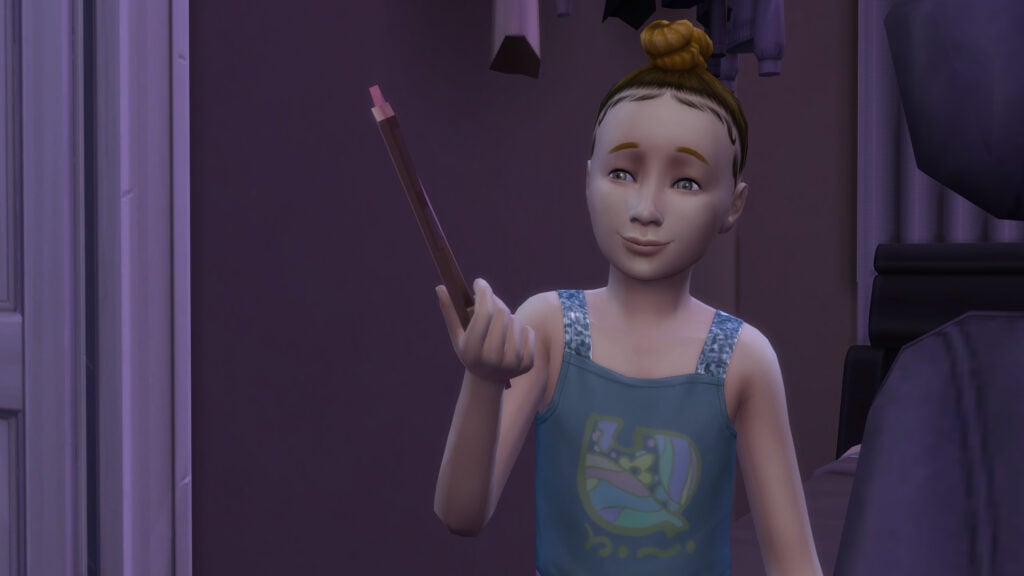
Testing with both adult Sims and child Sims, it looks like this has been corrected. Both could pick up the item after it was placed on the floor from Build Mode, and both could fan themselves.
Create-A-Sim Not Returning to Community Lots
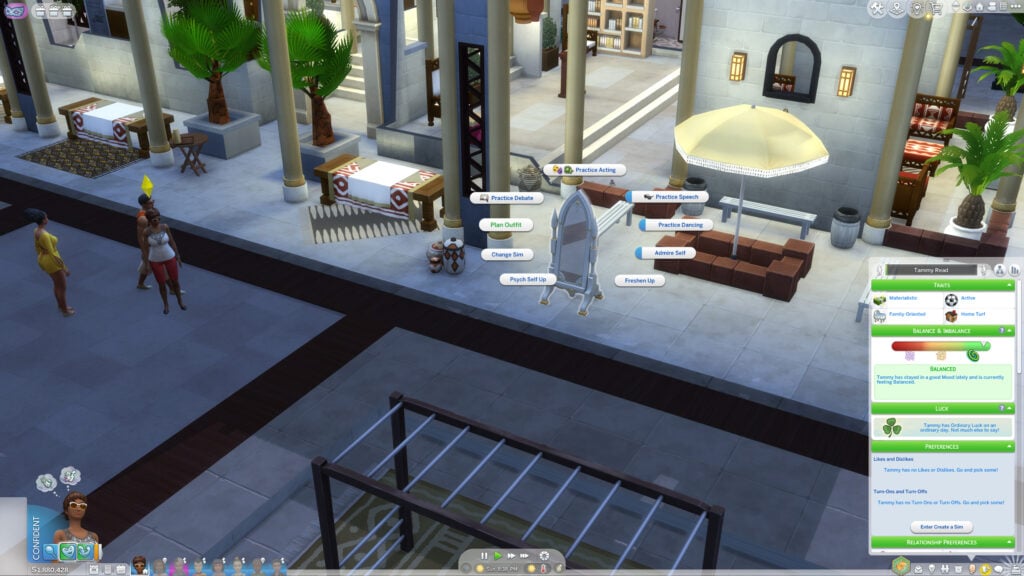
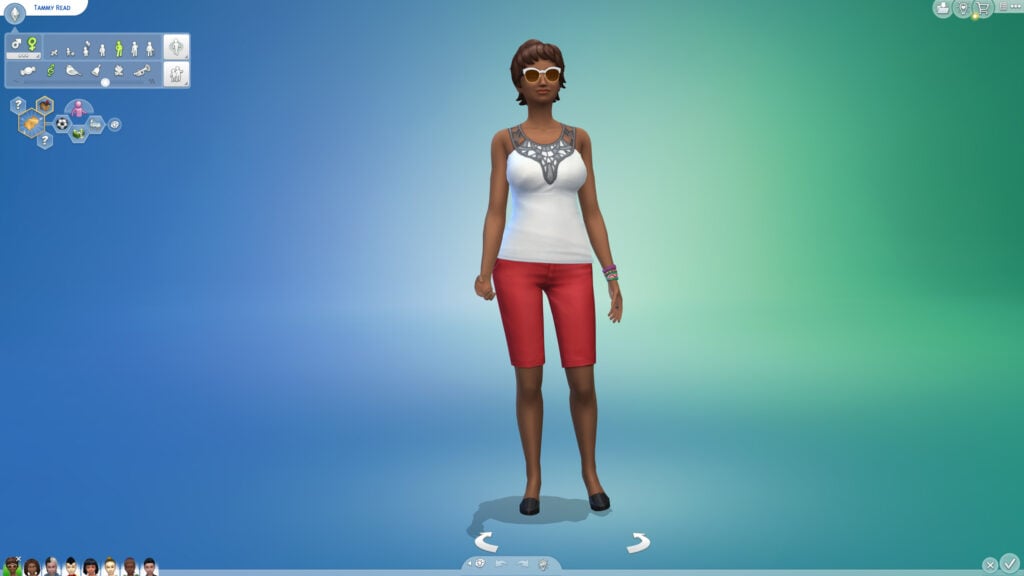
A longstanding issue has been that when choosing to Plan a Sims outfits from a mirror or entering Create-A-Sim while on a community lot, upon exiting, players would often be returned to their home lot. This meant running into a useless loading screen, where you would then have to wait while your game returned you to the community lot your active sim was on in the first place.

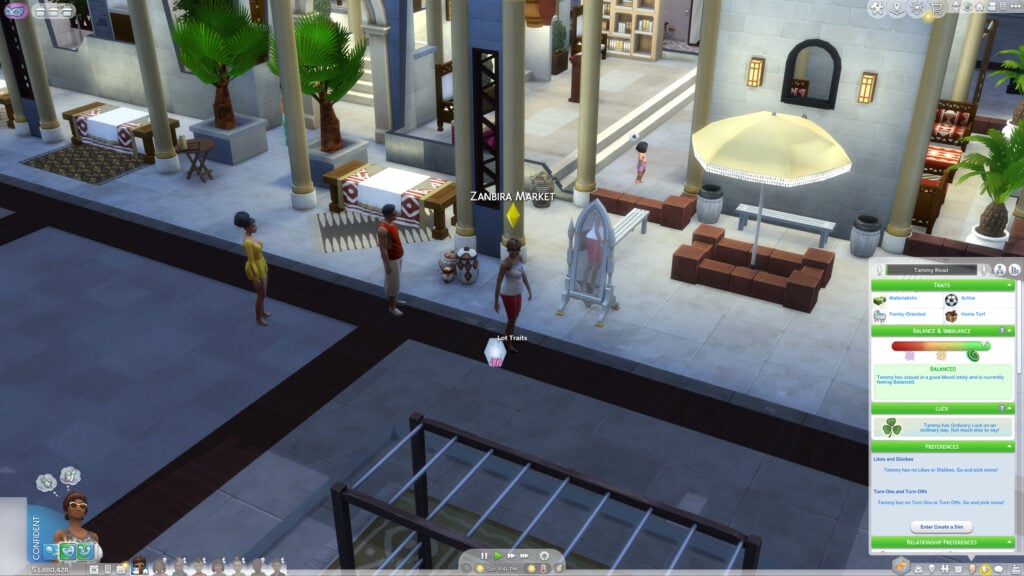
However, this seems to have been fixed! I tested it with an eight sim household and had one member visit a community lot and use a mirror to plan outfits, and I was not teleported back to the home lot!
Royalty & Legacy Specific Bugs
There were certain bugs players ran into when playing with families that were actively part of Dynasties, a new group type introduced in The Sims 4 Royalty & Legacy.
Dynasty Mean Interactions
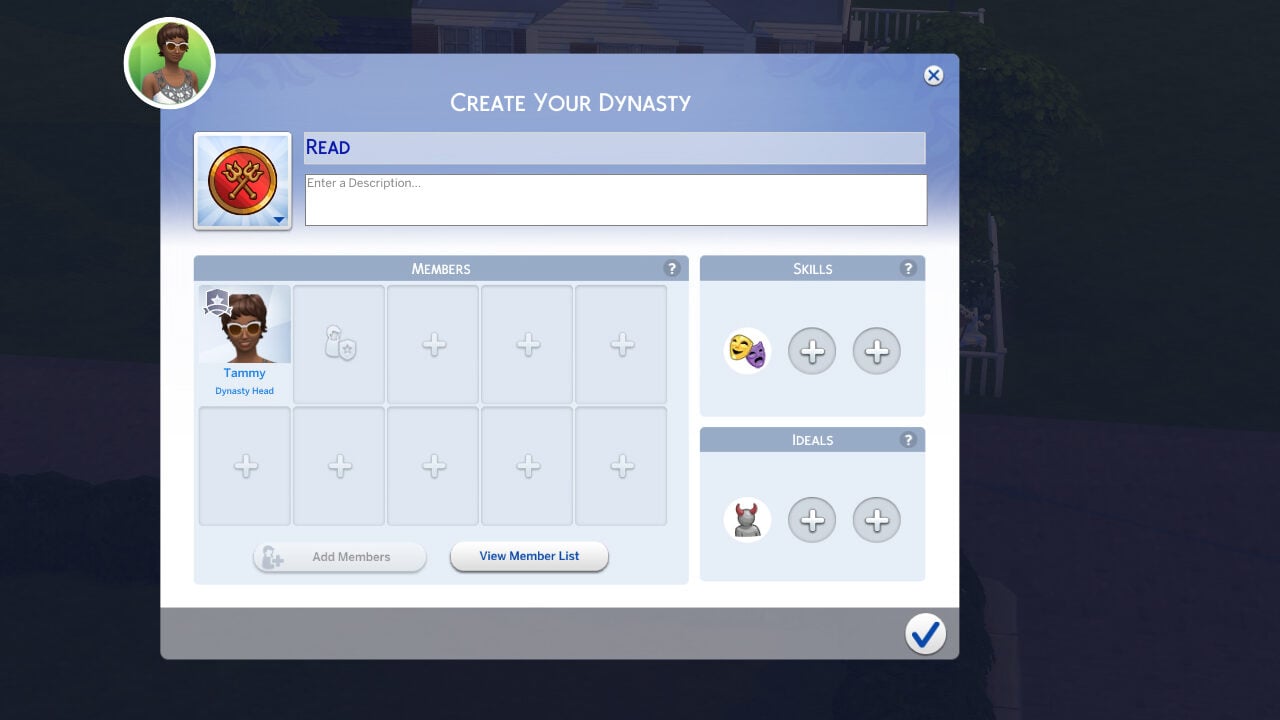
Players were noticing sims consistently and autonomously performing mean interactions at random, damaging their relationships with those around them, including close dynasty members. This was due to the Vicious Dynasty Ideal, which is intended to reward dynasties for members performing mean interactions. Even with it on, players must now direct sims to perform these interactions and they should not perform them autonomously anymore.
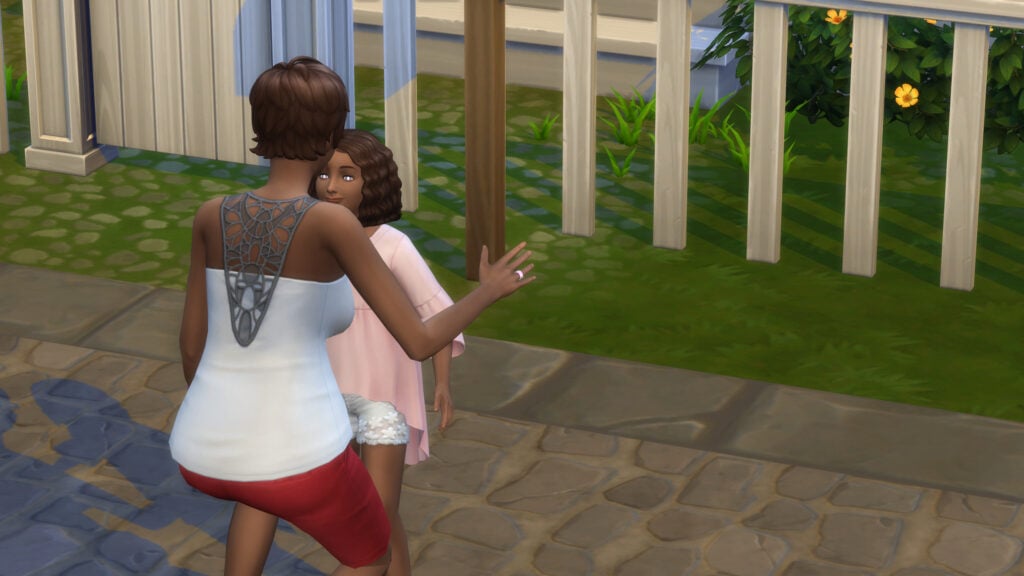
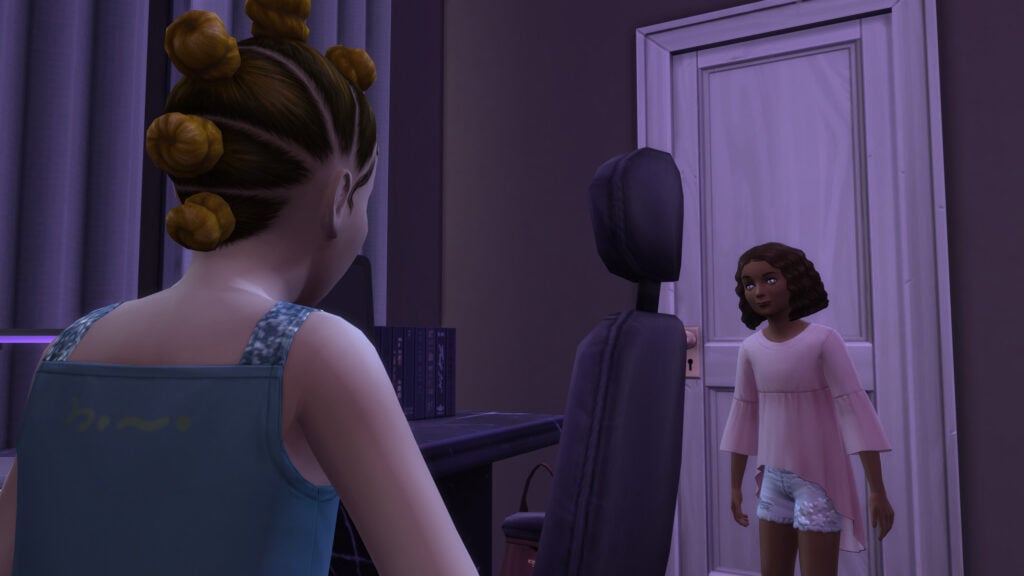
While testing with a household of eight sims, all in a dynasty with the Vicious Dynasty ideal, every stayed fairly chipper and did not go around harassing their loved ones.
Dynasty Notifications Repeating
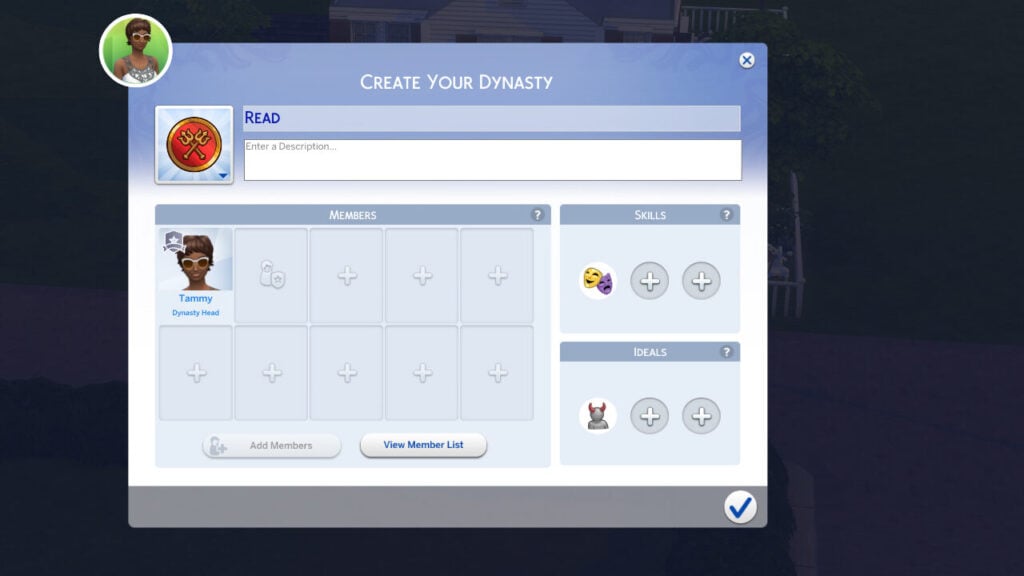
This issue has often pestered players who were playing with the dynasty system added in Royalty & Legacy. Upon exiting Create-A-Sim, repetitive notifications specifically about child sims leaving and joining dynasties would appear, clogging up the already excessively used notification tab.
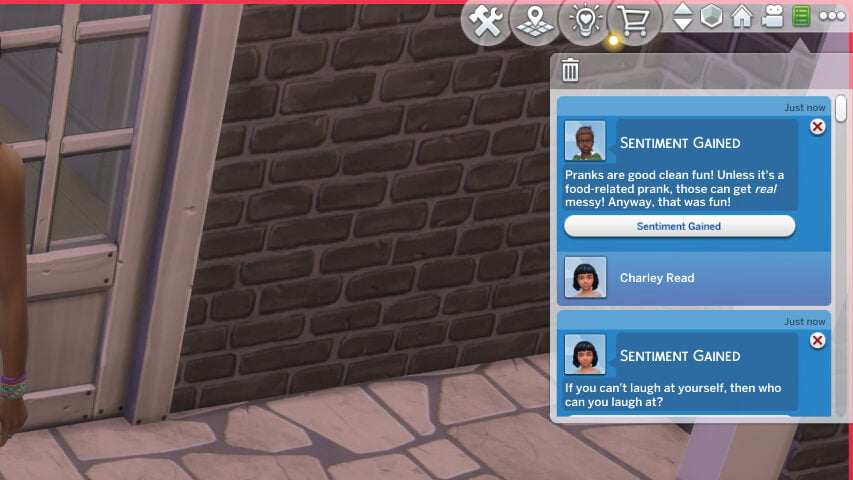
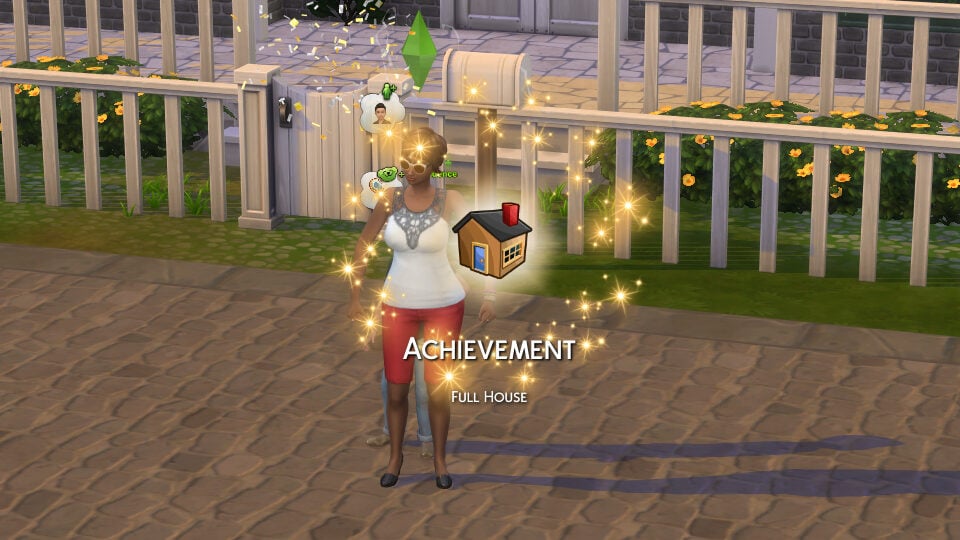
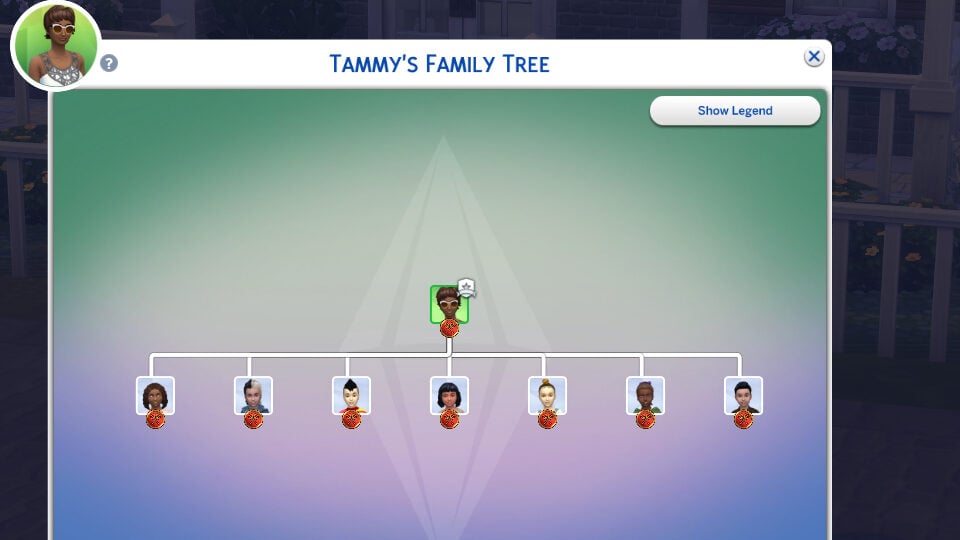
I had a sim create a dynasty and then adopt seven child sims, who all joined the dynasty automatically. After that round of notifications, which are standard, I then tested by entering and exiting Create-A-Sim. I did this twice, both by entering using cheats (Shift+Clicking on a Sim and choosing to Modify in CAS) and by using a mirror to Plan Outfits, and I did not receive the same notifications multiple times again.
Have you updated, or are you waiting it out for a while? What changes have you seen, if you have updated? If you’re playing with the new update and running into new or supposedly fixed issues, make sure to head over to the EA Forums and report your findings in hopes of it getting addressed and fixed in the future!
Make sure to follow The Sims Community, and we’ll keep you in the loop for all updates and changes made to your favorite Life Simulation Games like The Sims!