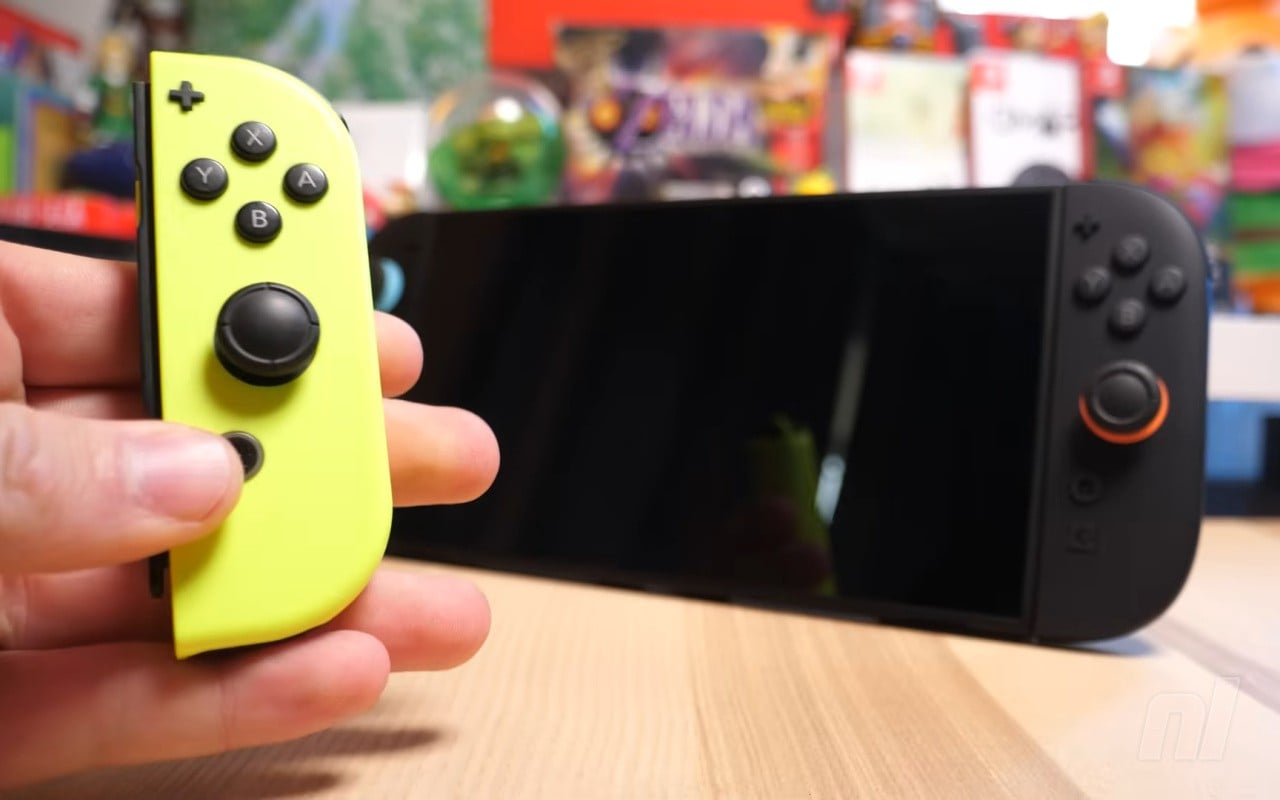
Enhance your experience with original Switch games

- by Liam Doolan
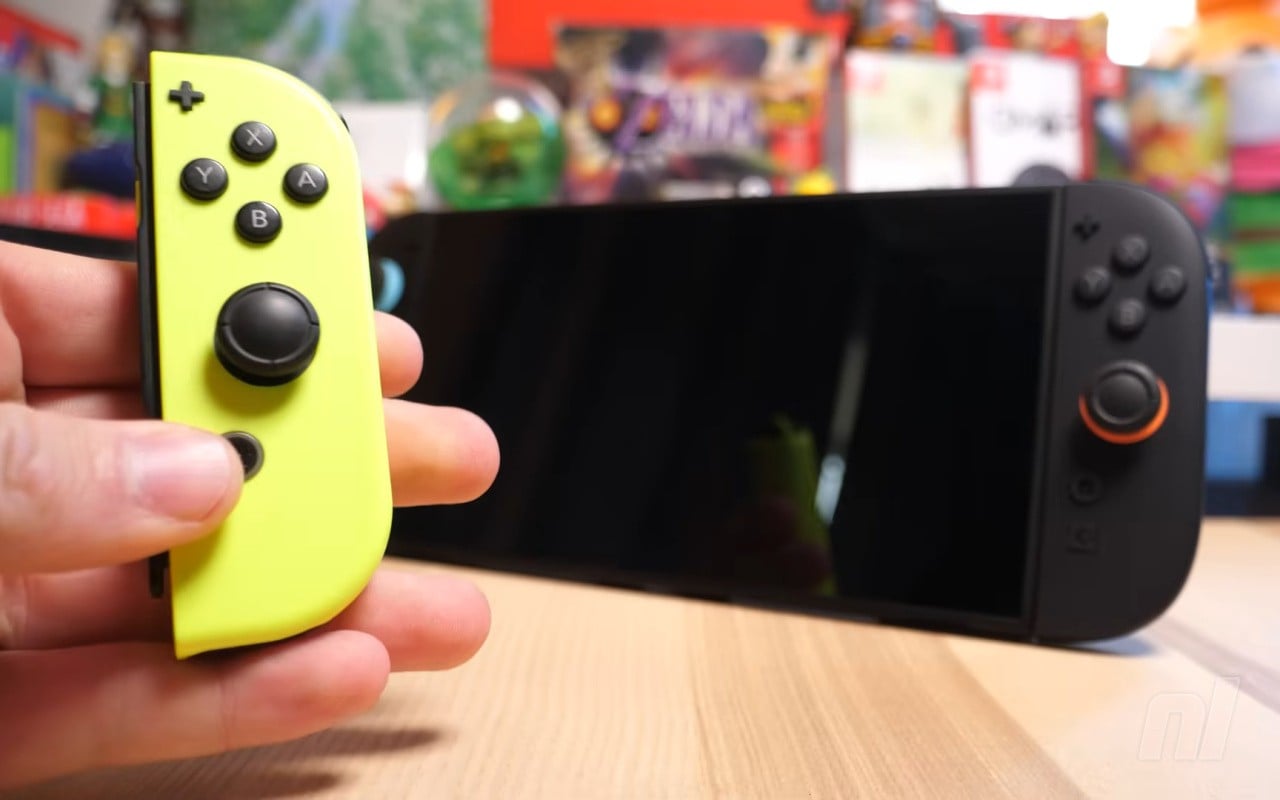
In case you missed, the latest Switch 2 firmware update has delivered a major surprise today, adding “Handheld Mode Boost”.
As detailed by Nintendo in the patch notes for Version 22.0.0, this feature will allow compatible Switch software to run as if it’s “in TV Mode” on the Switch 2 while in handheld. The Switch 2 has a display of 1080p in handheld, while the original unit was 720p in this mode, so expect some “improved” visuals.
Nintendo has also shared a page about this new feature, detailing the steps to activate it, and some additional details about how it works:
Subscribe to Nintendo Life on YouTube844k
How to use Handheld Mode Boost on Switch 2
Follow these steps to enable or disable the Handheld Mode Boost setting on Nintendo Switch 2.
Information
When enabled, Handheld Mode Boost causes the performance of Nintendo Switch software while undocked to run as if it were being played in TV mode.
Complete these steps
- Select System Settings on the HOME Menu.
- Scroll down through the System Settings menu and select System.
- Scroll down on the right and select Nintendo Switch Software Handling.
- Select Handheld Mode Boost to enable or disable this setting.
Additional information
- While enabling this setting can result in improved visuals, it may also increase the system’s power consumption.
- The effect of Handheld Mode Boost will vary based on the software. Some Nintendo Switch software will be unaffected, and this option has no effect on software for Nintendo Switch 2.
- Because this option forces TV mode operation, some instructions may be incorrect or fail to operate correctly.
- Handheld Mode Boost may prevent Nintendo Switch software from using the system’s touch screen, and will cause attached Joy-Con 2 controllers to be treated as a Nintendo Switch 2 Pro Controller.
- To use other controllers, first detach the Joy-Con 2 controllers from the console.
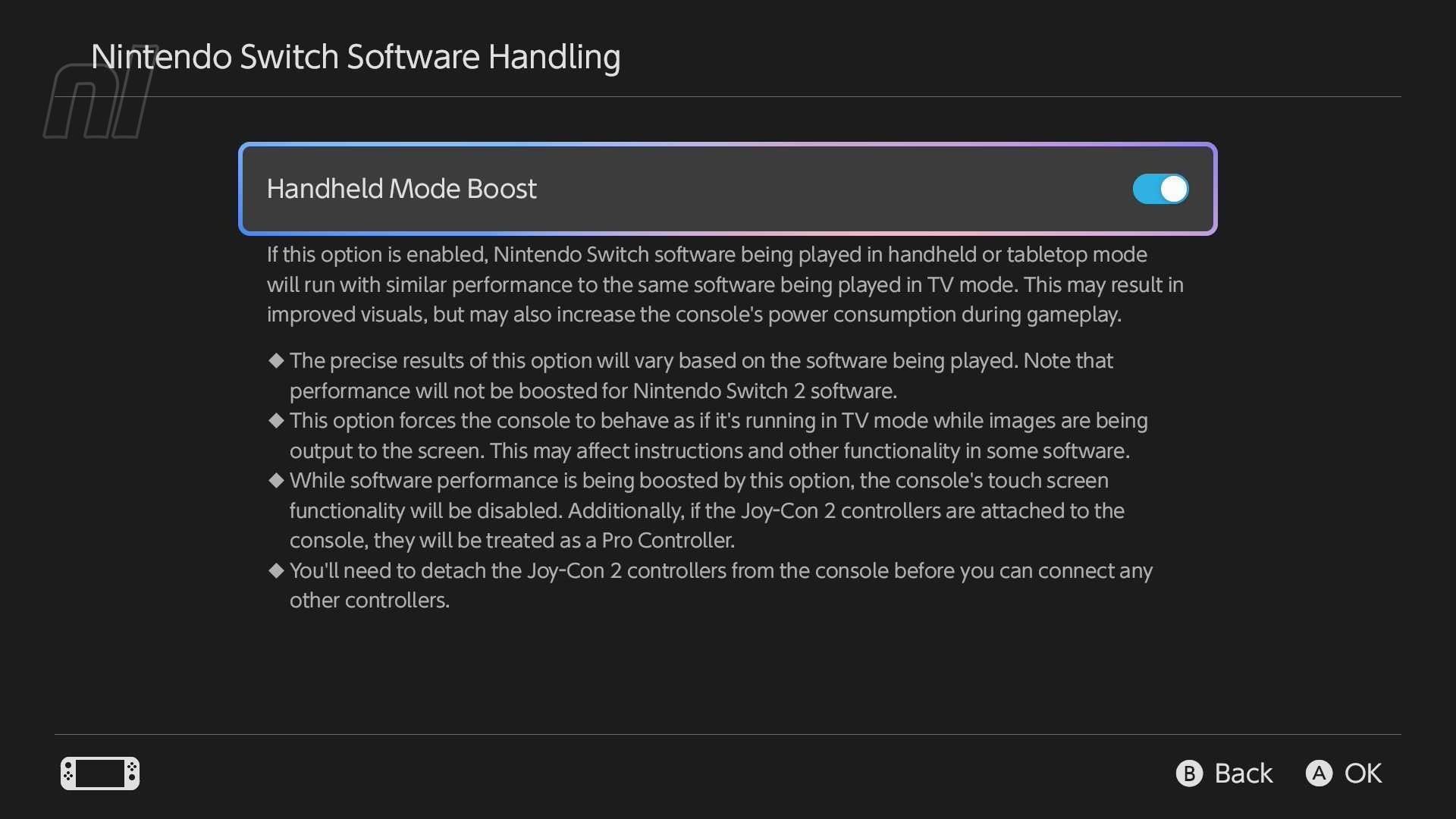
As you can see in the additional information, while there may be improved visuals and similar performance to the software being played in TV mode, this option can also impact the console’s power consumption. Things like touch screen functionality are also disabled when playing. And this option has “no effect” on Switch 2 software.
And just remember – before you can use this mode, you’ll need to update your system’s firmware to Version 22.0.0. This feature is also obviously a Switch 2 exclusive. You can see what else is included in the latest system update in our patch notes post.
Will you be making of Handheld Mode Boost? Let us know in the comments.
[source en-americas-support.nintendo.com]

Liam is a news writer and reviewer on Nintendo Life. He’s been writing about games for more than 15 years and is a lifelong fan of many iconic video game characters.